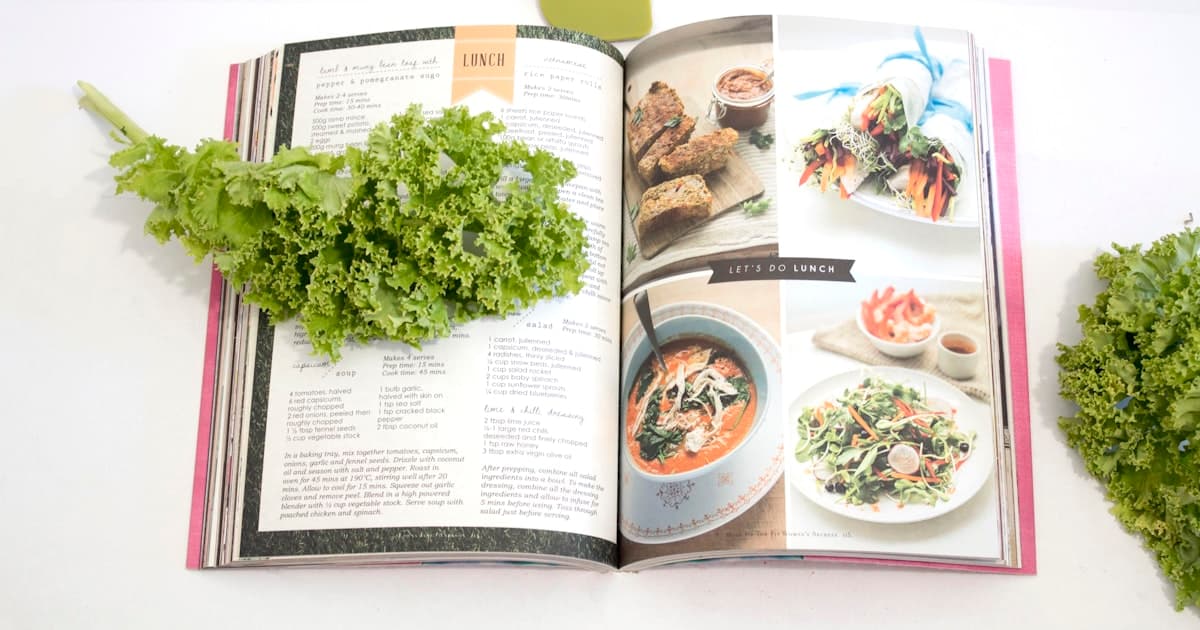
Somewhere in your kitchen is a recipe you can't lose. Maybe it's a card in your nan's handwriting, the corner stained with what was once butter. Maybe it's the scribbled-on page of a cookbook your mum gave you when you moved out. Maybe it's a screenshot of a Vietnamese caramel pork your partner's aunt sent at 11pm via WhatsApp, three phones ago. The recipes that matter most are almost never the ones the algorithm serves you — they're the ones you'd be devastated to misplace. A digital recipe book is the answer to that fear, but only if it's the right shape: shared between two cooks, easy to add to from paper, and built around browsing the way a real cookbook does.
The shoebox problem (and the screenshot problem)
If you've ever tried to organise the recipes you actually cook, you've probably hit one of two failure modes.
The first is the shoebox problem: a small wooden box, a binder full of plastic sleeves, a stack of magazine clippings on top of the fridge. They're safe, sort of. But the act of cooking from them is friction — you have to remember which page, get oil on it, then re-file. And if the box ever gets lost (house move, kitchen flood, divorce), the recipes are gone.
The second is the screenshot problem: a camera roll with 400 screenshots, some of which are recipes. The recipe is technically saved. But finding it on a Wednesday night, when you remember it was something with chickpeas and lemon, is impossible. You scroll past four months of grocery receipts and dog photos and give up.
A digital recipe book solves both — but only if the tool you pick treats paper, screenshots, and URLs as first-class inputs. Most don't.
What "digital recipe book" actually means in 2026
The phrase gets used to mean three different things, and they're not interchangeable.
- A digital cookbook publisher. Apps like Cookpad and Yummly that let you browse recipes other people have published. These aren't your recipe book — they're someone else's.
- A recipe organiser. Apps like Paprika or slrp where you put your own recipes (whatever the source) into a personal library. This is the thing most people actually mean.
- A photo album of recipes. Some couples just use the Apple Notes app or a shared photo album. It "works" until you try to cook from it on a Wednesday.
This post is about the middle one — a personal digital recipe book that you build by adding the recipes you and your partner already love, from wherever they currently live. If you're comparing actual planning apps too, our piece on the best meal planning apps for couples covers that side of the question.
How slrp's photo import works (and why it matters for cookbooks)
The single feature that separates a real digital recipe book from a slow one is what happens when the recipe is on paper. Most apps make you type it out. slrp's photo recipe import is the part we built specifically for the shoebox problem.
The flow is short. You open the app on your phone, point the camera at a cookbook page or a handwritten card, and tap. slrp uses a vision model to read the page — title, ingredients with quantities and units, method steps, even the little notes in the margin if they're clear enough. You get a draft recipe back in seconds, ready to edit. You hit save and it's in your library, structured, searchable, and rendered the way every other recipe is.
What this means in practice:
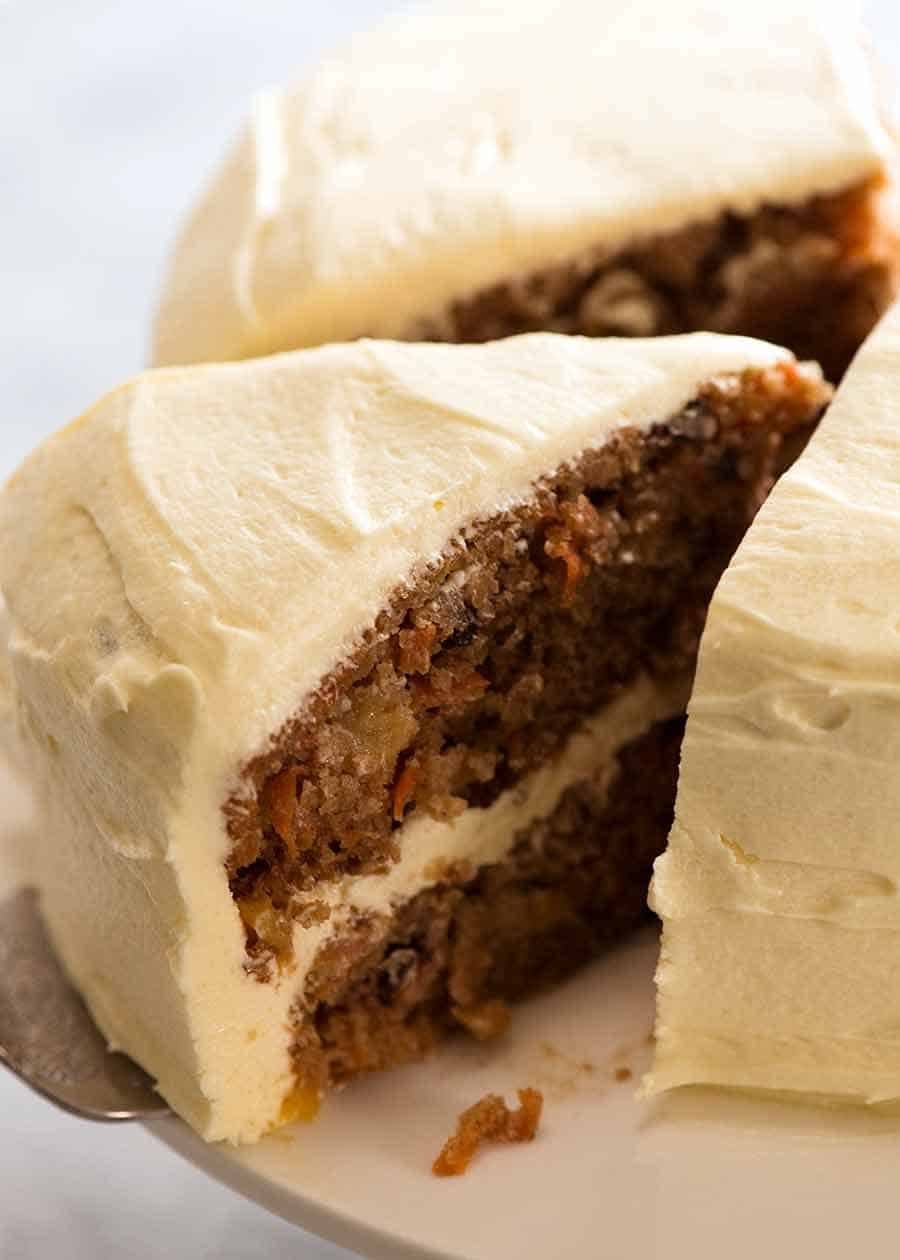
- The carrot cake you've made every birthday for twelve years gets in, exactly the way you make it
- Your partner's nan's pavlova, copied off the back of a Davis Gelatine box in 1974, gets in
- The dog-eared smothered rissoles page from your weeknight cookbook gets in (and we won't pretend Nagi didn't already publish it online — but the version you cook is the one in your book, with your notes)
- The screenshot of butter chicken a friend sent you on Instagram four phones ago gets in
The vision model isn't perfect — handwriting that even your mum can't read won't survive — but for printed pages and most legible handwriting, it's the difference between "I'll digitise these one day" and "that took ten minutes, the box is done".
The other paths in: URL, manual, screenshot
Photo import is the headline, but a digital recipe book is only as good as the other ways you can fill it. slrp's other paths in:
- Paste a URL. If the recipe lives on a blog or a publisher, paste the link and slrp extracts it — ingredients structured, method preserved. Our deeper write-up: recipe import apps that save any URL.
- Manual entry. Sometimes you just want to type. The form takes ingredients line by line; it parses "2 tbsp olive oil" into quantity-unit-name automatically as you go.
- Screenshot. A photo of a phone screen is treated the same as a photo of a page. Drag in a screenshot of a TikTok recipe and the same vision flow runs.
- Share sheet. On iOS, the slrp share extension means any URL you have open in Safari can land in your library with two taps — no copy-paste.
The point isn't that any one of these is unique — most recipe organisers have a URL importer. The point is that a digital recipe book needs all four, because real cooking life mixes all four. A Tuesday's chicken comes from a blog. A Saturday's cake comes from a cookbook. A Sunday's soup comes from your mum on the phone.
Tagging and finding: a digital book that's actually browsable
A physical cookbook is browsable in a way most apps lose. You flip to "baking" or "weeknights" and feel the whole section. The good news: a well-tagged digital book is more browsable, not less — but only if the tags are working.
What slrp does automatically when a recipe lands:
- Infers cuisine from the title and ingredients ("Italian", "Thai", "Aussie")
- Tags meal type (breakfast, lunch, dinner, snack, dessert)
- Tags season and occasion when the recipe gives them away (Christmas pavlova, summer pasta, weeknight 30-min)
- Indexes every ingredient so you can search "what can I make with feta and silverbeet"
What you can add by hand:
- Your own tags ("mum's", "Jen's nan's", "weeknight", "crowd-pleaser")
- A rating after you cook it (and your partner's rating, separately)
- Notes in your own words ("halve the chilli", "better with thigh than breast")
The pivot to "actually browsable" is when those tags become how you cook — not how you organise. Filter to mum's + weeknight + Indian and you've got a shortlist of four recipes you already know you love. If you want a healthier rotation, we wrote about a healthy meal plan for couples built almost entirely from tagged recipes the couple already had.
Two cooks, one library: the shared part
Most recipe apps treat "the library" as a single-person object. You log in, you see your recipes. If your partner wants to add one, they either share your password (icky) or maintain a separate library (worse). For two cooks who actually share a kitchen, this is the wrong shape.
slrp's data model is built around a shared entity we call a couple. Both of you sign in with your own accounts, see the same library, the same plan, the same grocery list, the same pantry. When your partner takes a photo of a cookbook page on their phone at 9pm, it's in your shared library by 9:01. There's no "sync" step, no merge conflict, no "who saved it last".
Why this matters for a digital recipe book specifically:
- Both of you can digitise simultaneously — one of you working through the shoebox, the other working through the screenshots
- Notes you leave on a recipe are visible to your partner immediately (and vice versa)
- You can rate the same recipe separately — slrp shows both ratings, so "we both think this is a 5" really means something
- Searching includes recipes either of you added — no "that's on her phone"
If you want the broader thinking on this, our guide on cooking apps for couples goes deeper on why the shared model matters.
What we'd save first if we were starting today
Building a digital recipe book is one of those projects that gets put off because it feels like a weekend's work. It isn't — but the order matters. Start with the recipes you'd be sad to lose, not the ones you cook the most.
- The handwritten cards. Anything in a relative's writing. These are the most at risk and the most precious. Photo-import them first.
- The cookbook pages with notes on them. A clean printed page is recoverable from the book; a page with "halve the salt — Jen" written in pencil is not. Snap those.
- The five recipes you cook on rotation. The ones you already know by heart. Get them in so the planner has something to work with on Sunday night.
- The screenshots from the last six months. Anything you bothered to screenshot was something you meant to cook.
- The everything-else cookbook scan. Save this for a rainy Saturday with a coffee. Most of it won't get cooked, but it's in there for the day you remember a recipe and can't picture which book.
Two of you working in parallel can clear the first three tiers in an evening. The shoebox doesn't go in the bin — you keep it for the same reason you keep a wedding photo album — but it stops being the only copy of anything.
FAQ: building a digital recipe book
Will slrp read my grandmother's handwriting?
Often, yes. The vision model handles legible cursive and most print handwriting well. It struggles with very faded ink, heavy crossing-out, or writing that even close family members find hard to read. For those, manual entry with the photo attached as a reference is the cleanest path — you'll have both the structured recipe and the original card, side by side.
How is this different from a recipe organiser app?
A "digital recipe book" framing emphasises the personal, finished collection — the recipes you want to keep, organised the way you want them. A "recipe organiser" can mean the same thing, but it's also used for apps that prioritise discovery (search a database of strangers' recipes). slrp is squarely in the first camp.
What if I want to print my digital recipe book one day?
slrp doesn't offer a print-to-book service today, but every recipe is exportable as clean HTML and we're working on a long-form export specifically aimed at the photo-book vendors. The point is that the data is yours — when the print service exists, the book is ready.
How does this compare to Paprika or Plan to Eat as a recipe book?
Paprika is a strong recipe box but the photo-import path is weaker and the library is per-device-Apple-ID, not per-couple. Plan to Eat is excellent for planning but treats the library as secondary. We've written specific head-to-heads: slrp vs Paprika and the best Recime alternatives.
Is there a free tier?
Yes. The free tier covers a couple's library, plan, grocery list, and pantry with no recipe count limit. Photo-import quotas exist on the free tier (we cap at 20 photo imports per 24 hours to stop runaway costs) which is far more than you'll need for any reasonable digitising session.
The short verdict
A digital recipe book is worth building. Pick a tool that takes paper and screenshots seriously (not just URLs), that's shared between both of you (not single-account-with-shared-password), and that tags well enough to be browsable on a Wednesday night. The shoebox stays — for the same reason you keep a wedding album — but it stops being a single point of failure. Your nan's pavlova, your partner's mum's curry, the rissoles you cook on Thursdays: all of it, in one shared place, on both phones. That's the recipe book that finally earns its name.