
Share Extension
Save a recipe from Safari without copying the link.
Browsing on the couch and find tomorrow's dinner? Hit Share → slrp. It lands in your library, ready to plan in.
Available now · App Store
Same recipes, same meal plan, same grocery list — now wherever you are. One of you is at the stove. One of you is at the shops. The plan stays in sync.
On a desktop? To install slrp, open this page on your iPhone or tap the button above to jump to the App Store listing.
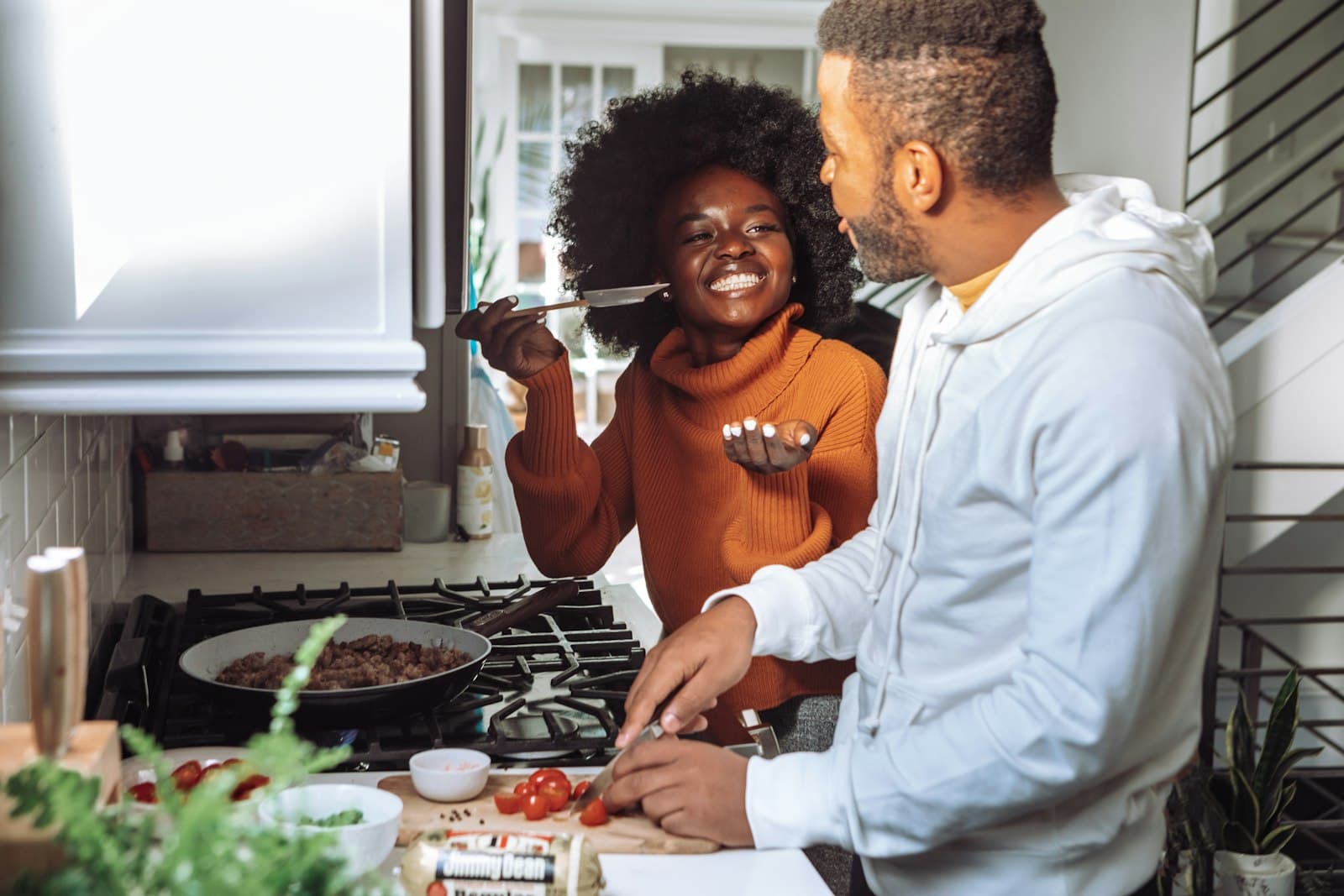
Two phones, one kitchen
Tonight is Tuesday and you split the work. You're prepping the tacos. They're at Coles ticking off the list. Same plan, same shopping list, in real time.
At the stove
Cook mode keeps the step you're on big and the timer one tap away.
At the shops
The grocery list lives in your pocket. Tick off as you go, sorted by aisle.
What you get on iPhone
Three things slrp on iPhone does that the laptop version simply can't — because the laptop isn't in your hand at the supermarket.
Share Extension
Browsing on the couch and find tomorrow's dinner? Hit Share → slrp. It lands in your library, ready to plan in.
Cook mode, at the bench
One step per screen, the ingredients a tap away, and the phone stays on while your hands are covered in flour.
Grocery, in your pocket
Sorted by section so you backtrack less. Either of you can mark things grabbed, and it keeps working when the supermarket has no signal.
The whole flow
Five taps from “what's for dinner?” to dinner on the table. Every screen below is the real app — here's the shape of it.
Home leads with what you're cooking tonight — and the one tap to change it.
Every recipe you've saved from any URL, shared with your partner, searchable in a tap.
Drop recipes onto the days you'll cook them. Both of you see the same plan, live.
The plan becomes a grocery list — merged, aisle-grouped, pantry-aware, ticked off in real time.
Big steps, one at a time, screen kept awake while your hands are full.
Ready when you are
14 days free, no credit card. Sign in once and your kitchen syncs with your partner's — on web, on iPhone, on the bench, in the aisle.

Photos via Unsplash
Accept turns on replay and ad cookies (PostHog, Clarity, Meta, Google). Decline stays cookieless. details


