You start a thread with your partner: "this one for Saturday?" Then a screenshot from Instagram, a half-saved tab from a food blog, a link your mum texted that opens to a paywall, and the bookmarks folder you swore you'd tidy last spring. Come the weekend, you are scrolling through the camera roll trying to find the photo of a title page. The recipe was great. The system around it is a mess.
A recipe import app — sometimes called a recipe organiser, recipe manager, or digital recipe book — is the small piece of software that catches all of that. Paste a URL, it pulls out the title, ingredients, steps, photo, and times, and saves a clean copy you can open in five seconds while the oil heats. That's the promise, anyway. In practice, "import" covers a wide range of approaches, and the difference between a good app and a bad one is whether you actually keep using it three months in.
This is a tour of what to look for in a recipe import tool: how URL imports work under the hood, where they break, and the everyday workflow that makes scattered recipes feel manageable — especially when there are two of you sharing the kitchen and the shopping list.
The mess: where your recipes actually live right now
Before talking about apps, it helps to do a quick audit of where recipes pile up. Most couples we talk to have them scattered across at least six places at once:
- Open browser tabs that quietly become a museum exhibit
- Screenshots from Instagram and TikTok, half-readable, mostly unlabelled
- Texts and DMs from family who "send a great one" every fortnight
- A Notes app with pasted links and a few hand-typed ingredient lists
- Bookmarks folders nested four levels deep
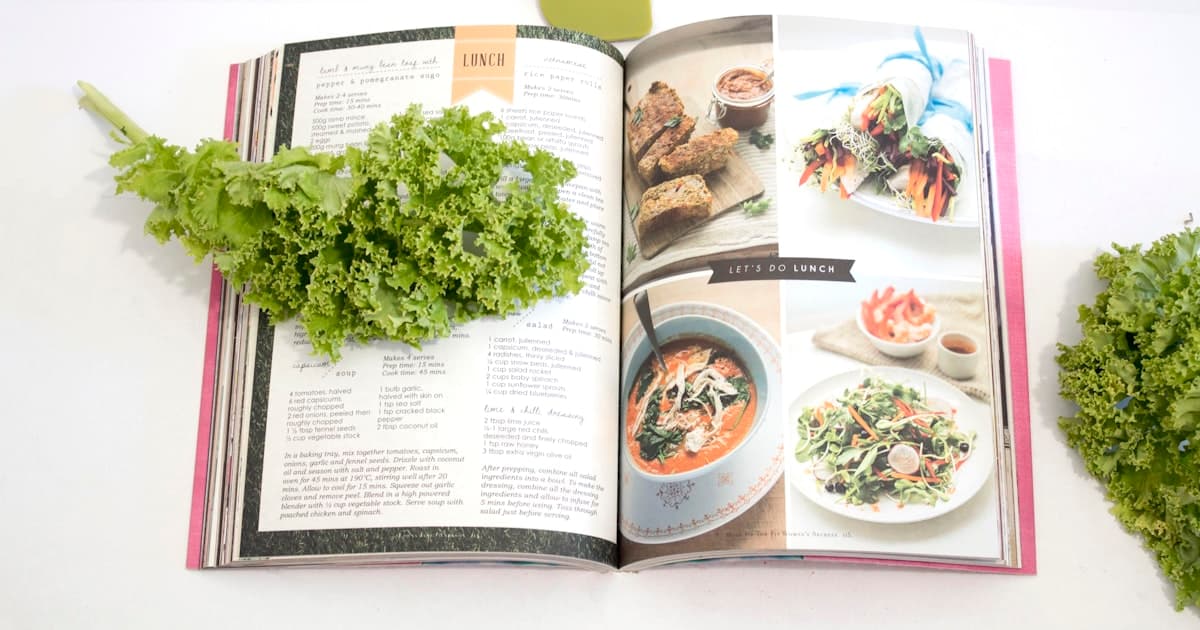
- The cookbook on the shelf with three sticky-tabs and no system
None of these places are designed for cooking. They are designed for reading or saving generally, which is why finding a recipe takes ten minutes and you usually give up and order pizza. The job of a recipe import app is to be the one place where every link ends up — pasted, parsed, and ready to scale to serves for two when Wednesday comes around.
What "recipe import" actually means
Under the hood, most modern recipe sites embed something called JSON-LD: a small, machine-readable block of structured data tucked into the page's HTML. It lists the title, ingredients, instructions, cooking time, yield, and an image URL — exactly the fields a recipe import app needs. When you paste a URL, the app fetches the page, finds that block, and rebuilds the recipe inside your library.
If you have ever wondered why Google can show a recipe card with a star rating and a cook time right in search results, it is the same JSON-LD doing the work. The recipe schema is a published standard; food publishers use it because it helps SEO, and import apps use it because it saves them from guessing at messy HTML.
The catch is that not every page plays nicely. A blog with a long story before the recipe, an old WordPress theme with no schema at all, a chef's Instagram caption — these need fallbacks. A good import app reaches for the structured data first, then degrades gracefully when it isn't there. A bad one just gives you the page title and a wall of paragraph text.
Why URL imports work for some sites and quietly fail for others
Here is a rough field guide to how your favourite sources will behave when you paste them in:
- Big food publishers (NYT Cooking, BBC Good Food, Bon Appétit, Serious Eats, RecipeTin Eats): clean JSON-LD almost always present. Imports are quick and reliable.
- Mainstream food blogs on themes like WP Recipe Maker, Tasty Recipes, or Mediavine's recipe plugin: usually structured, sometimes with a few quirks — fractions written as text, weird unit abbreviations, instruction lists nested oddly. A polite import app cleans those up automatically.
- Independent blogs and older sites: hit and miss. About a third have schema; the rest need a smarter parser or a manual touch-up.
- Instagram and TikTok captions: not structured at all. Captions are prose. Some apps will run them through a language model to pull out ingredients and steps; others won't try.
- Paywalled sites: depends on the publisher. If the recipe content sits behind the paywall, the import app cannot see it any more than your browser can. If only the article copy is gated and the JSON-LD ships in the page head, it usually still works.
The honest answer for any import app — including slrp — is that no parser is perfect. The right metric is not "does it import 100% of the time" but "when it gets it wrong, how easy is it to fix?" Look for an edit screen that doesn't make you start over.
What to look for in a recipe import app
A handful of features separate a tool that earns a permanent spot on your home screen from one that becomes another digital graveyard. In rough order of importance:
- Reliable URL import. The headline feature. Paste a link, get a structured recipe in seconds. Test it with three sites you cook from often before you commit.
- Structured ingredients. "200g chicken thigh, diced" should land as quantity, unit, name, preparation — not as one long string. This is what lets the app scale serves, generate a grocery list, and check what's in the pantry.
- A shared library. If two of you cook, both of you should see the same recipes the moment they're added. Personal libraries that need exporting between phones are a tax on the relationship.
- A grocery list that builds itself. Add a recipe to a meal plan, and the ingredients should drop straight into a shared shopping list — merged sensibly when two recipes both call for onions. We unpacked this in the grocery list apps comparison.
- Meal planning that doesn't force a rigid week. Some weeks you plan five dinners; some weeks you plan two and wing the rest. Apps that punish you for not planning seven days die fast. Our honest meal planning apps comparison goes deep on this.
- Cook-mode for when the hob is on. A clean, big-text screen that doesn't sleep mid-stir. You want both hands free.
- A pantry that remembers what's in the cupboard. So that "ground cumin" stops appearing on your shopping list six weeks running.
- An import that survives the platform. A share-sheet on iOS, a browser extension, or a paste box that actually lives somewhere obvious — not three taps deep.
Notice what isn't on this list: AI chatbots that invent recipes, "smart" weekly templates that suggest the same five dinners forever, social feeds. The job of an import app is to organise your taste, not generate someone else's.
How slrp handles the messy parts
For full disclosure: slrp is the app we make. The reason we built another one is that we wanted something pitched squarely at couples — a shared library by default, not a personal account with a "share with partner" toggle bolted on later. Here is how the import side works in practice.
You paste a URL on the add-recipe screen. slrp fetches the page (with a polite timeout and size cap, so dodgy links don't hang the import), pulls the JSON-LD if it's there, and falls back to a structured prompt over the page text when it isn't. Ingredients run through a parser that splits "1 tbsp olive oil" into quantity, unit, and name, tags optional or to-taste items, and flags preparation steps like "finely chopped." The result lands in a shared library that both partners see on every device.
The first place that pays off is the grocery list. Add three recipes to your plan, and the ingredients fold together — two cloves plus three cloves becomes "5 cloves garlic" on the list, not two separate lines. Add a couple of items you already have to the pantry, and they quietly drop off. The second place is the meal plan itself: flexible slots for the week ahead, with placeholders for "eat out" and "leftovers" so you're not pretending Wednesday is going to be a from-scratch night when it isn't. We wrote more about how that flexibility plays out in our slrp vs ReciMe comparison and the slrp vs Paprika walkthrough.
None of this is magic — it's the same JSON-LD parsing trick every modern recipe app uses. The difference is the assumption baked into the rest of the product: that two people, not one, are looking at the library, planning the week, and trading off who is doing the cooking on Tuesday.
Recipes worth importing this week
If you want to test-drive the workflow with a few links that are well-behaved, here are three from our recipe library. Paste any of them into your import tool of choice and see how clean the structured ingredients come out the other side.
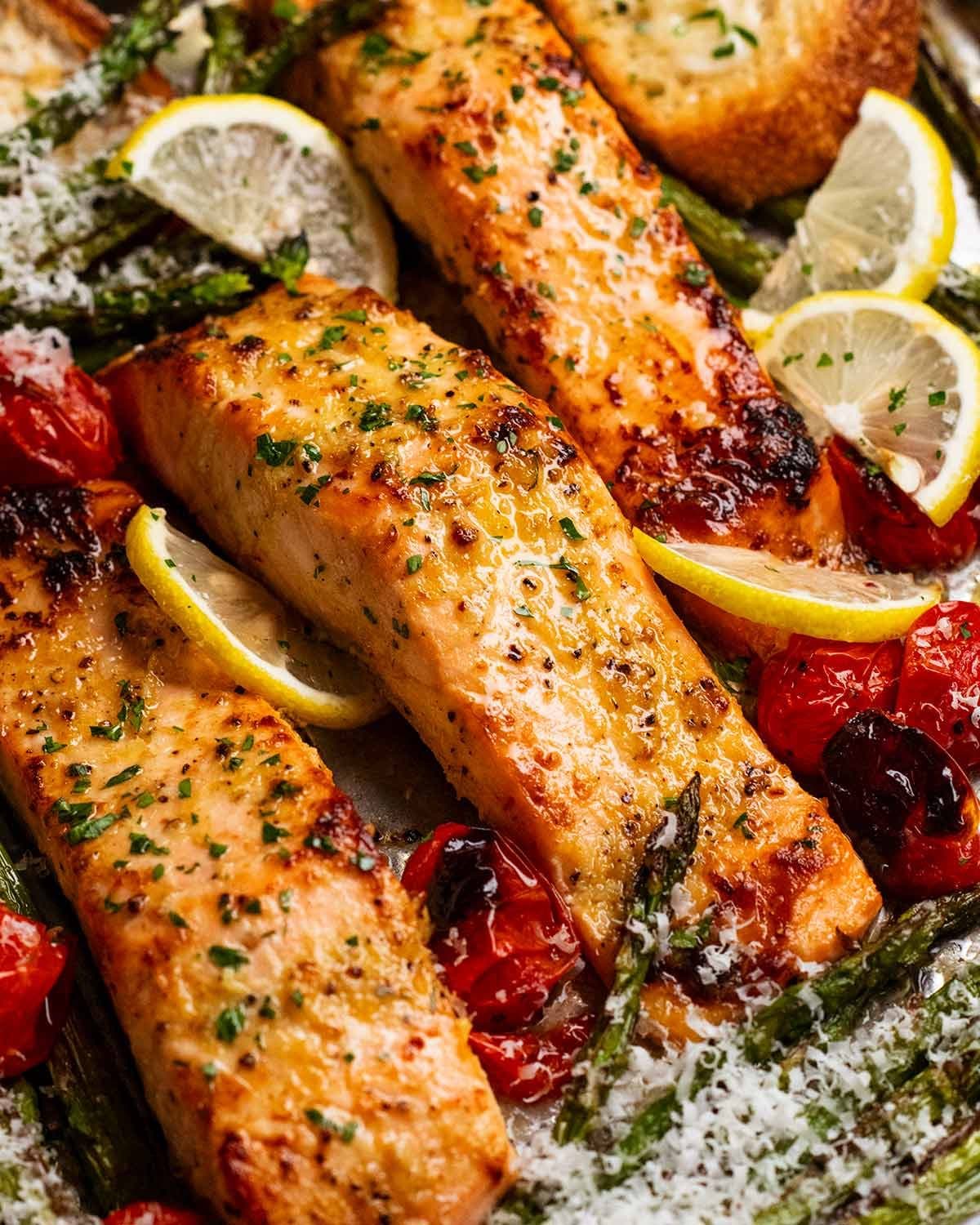
- Lemon garlic salmon tray bake — easy & healthy: a one-tray Tuesday-night classic. Twenty minutes, very few dishes.
- Quick harissa apricot chicken: sweet, smoky, ready in the time it takes to make the rice. Doubles up well for next-day lunches.
- One-pot chicken and lentils: the kind of pantry-friendly midweek meal that earns its place on the rotation.
If you've got partners with different appetites or dietary patterns, you might also enjoy our take on meal planning when partners have different diets — a slightly different problem, same scattered-recipes root cause.
When manual entry still wins
URL import is the headline, but there are still moments when typing wins. Family recipes on index cards. Your grandmother's "a knob of butter, a glug of oil" notation. A dish you've cooked enough times that you no longer follow a recipe at all but want to capture the shape of it before you forget. For these, the import app needs a forgiving manual editor — and ideally a way to start from a blank recipe without first pretending you have a URL to paste.
The other case is the source that has no JSON-LD and resists every fallback your app tries. Rather than fight it, paste the text in, edit lightly, save. Five minutes once beats five minutes every time you go looking for it again.
Building a habit that lasts
The bit that matters more than any feature: actually using the tool the moment a link lands in front of you. The half-life of "I'll save it later" is about four hours; after that the link is gone, buried under the next thing your phone showed you. A few small habits make the difference:
- Put the import button somewhere you can reach with one thumb. The share-sheet on iOS is gold.
- When a link comes through in your couple chat, agree on a rule: whoever sees it first imports it. The whole point is that the library is shared, so it doesn't matter who taps save.
- Once a week — Sunday morning works for us — open the library together, drag two or three recipes onto the week, and let the grocery list build itself. The whole "plan" can take ten minutes if you're not trying to be precious about it.
- If a recipe imports messy, fix it once. Future-you will thank present-you for spending the extra forty seconds.
That, more than any list of features, is what makes a recipe import app worth its space on your phone. The technology is the easy part — it's all JSON-LD and parsing. The hard part is the small ritual that catches the link before it disappears into the chaos of a normal week.
Where to go from here
If you're trialling tools, start with the three sites you cook from most, paste each into your shortlisted app, and look at the structured ingredients on the other side. Are the quantities right? Is "olive oil" tagged as oil, with a sensible default quantity? Does the cooking time look correct? That's a five-minute test that tells you more than any feature page.
And if you'd like to give ours a go, slrp is free to try — built for two, with URL import, a shared library, a meal plan that doesn't bully you into a rigid week, and a grocery list that builds itself. Paste your first link, see how it lands, and let us know if any of your favourite sites trip it up. We treat every "this one broke" as a bug to fix, not a user error.
The link you save today is the dinner you cook on Wednesday. Worth catching, every time.