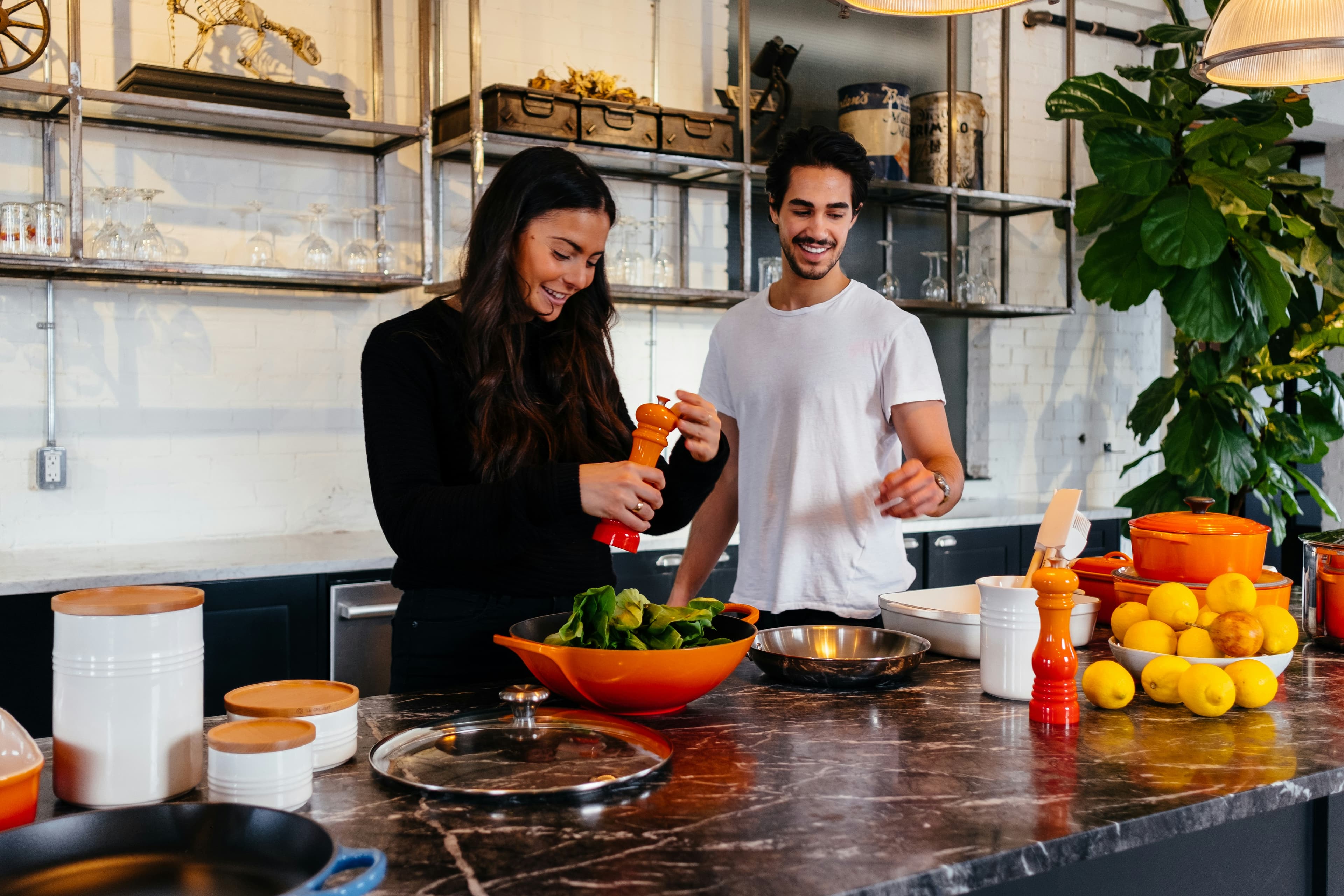
Most apps in this category were designed for one cook. The login is shared with a partner because somebody added a "share" button along the way — but under the hood it's still a solo tool wearing a second name tag. If both of you cook, that gap shows up fast. One adds chickpeas to the grocery list from the bus. The other adds chickpeas a minute later from the living room. Two entries. Then someone buys both. It's a tiny thing, but it's the tiny thing that tells you the app isn't really built for two of you.
This piece is a checklist disguised as an explainer. We'll walk through what actually changes when an app expects a couple instead of an individual — a shared library, a cook mode that survives messy hands, a grocery list that doesn't double up, and a planning style that respects two opinions. By the end you'll know what to look for, what to ignore, and how to test-drive any contender in a single week with three weeknight dinners.
The two-cook problem most apps quietly ignore
The default assumption in most recipe and meal-planning apps is one human, one account. Adding a partner is usually bolted on top of that — either through household sharing (Apple Reminders, Google Keep), team workspaces (Notion, Trello-shaped tools), or an explicit "invite a partner" toggle. The bolted-on version works until it doesn't. Things like cook-mode timers, ingredient checkboxes, and saved-recipe ratings often live on a single device or under a single user, even after the partner is "added".
You'll notice the cracks in moments that should be small. The recipe one of you saved last week is buried in the other one's "recents". A grocery list edit doesn't sync until the app is reopened. The meal plan only shows ratings from whoever set it up. None of these are deal-breakers in isolation — together they nudge one partner into the role of "household admin" and the other into "the person who just cooks what's been planned". A tool genuinely built for couples treats both of you as first-class users from the first tap.
A shared library, not two private ones
Start here, because this is where most apps fail the test. Open the app on both phones. Save a recipe from one — does it show up on the other within seconds? Edit the servings on partner A's device. Does partner B see the update without pulling to refresh? Rate the recipe four stars from one side; does the other side see four stars or a blank?
If the answer is "eventually" or "after a sync", the underlying data model is still per-user. The shared library is a view, not the source of truth. That's fine for shopping lists, but it's painful for recipes, because recipes are where you store taste memory — what worked, what to halve next time, who picked it. Single-source recipes mean you only have to write down "leave out the cumin" once, and both of you see it when you cook it again three months later.
For deeper coverage of how different tools handle this, our roundup of the best meal planning apps for couples grades each contender on this exact criterion.
A grocery list both phones can edit at once
This one's almost more important than recipes. The grocery list is where the app pays for itself every single week, and it's where partners step on each other's toes most often. Three things to check:
- Real-time sync. Add an item on one phone. Wait. Did it appear on the other within five seconds, or did you have to swipe down to refresh? Real-time means real-time.
- De-duplication. Add "chickpeas" on one phone and "chickpeas, 1 can" on the other. Does the app fold them into a single line or stack two? Stacking is fine if it shows you who added what; silent duplication is the failure mode you'll regret in the supermarket aisle.
- Category grouping. A list grouped by produce, dairy, pantry, frozen, and so on lets one of you shop a single section instead of zig-zagging. Bonus points if the app learns your store's layout over time.
We covered this surface in more detail in our roundup of the best grocery list apps with shared lists. The short version: most general-purpose list apps (Reminders, AnyList, OurGroceries) ace the sync but miss the recipe ingredient-merging that makes the list actually useful when you're cooking from a plan.
Cook mode that survives a sticky hand
Once a recipe is open and the pan is on, the app stops being a planning tool and becomes a small kitchen appliance. The bar here is unromantic but specific: the screen needs to stay awake, the ingredients need to be visible without scrolling, and the timer needs to live next to the relevant step. If you have to swipe back to remember "wait, what was the next thing?", that's friction you'll feel every time.
The under-rated test: can both of you read it at once? Some apps render their cook mode for a phone held upright in one hand. Useful for solo cooking; useless when one of you is stirring and the other is reading the next instruction out loud. A two-cook kitchen wants larger type, ingredients pinned to one side, and steps that don't shrink as the page scrolls.
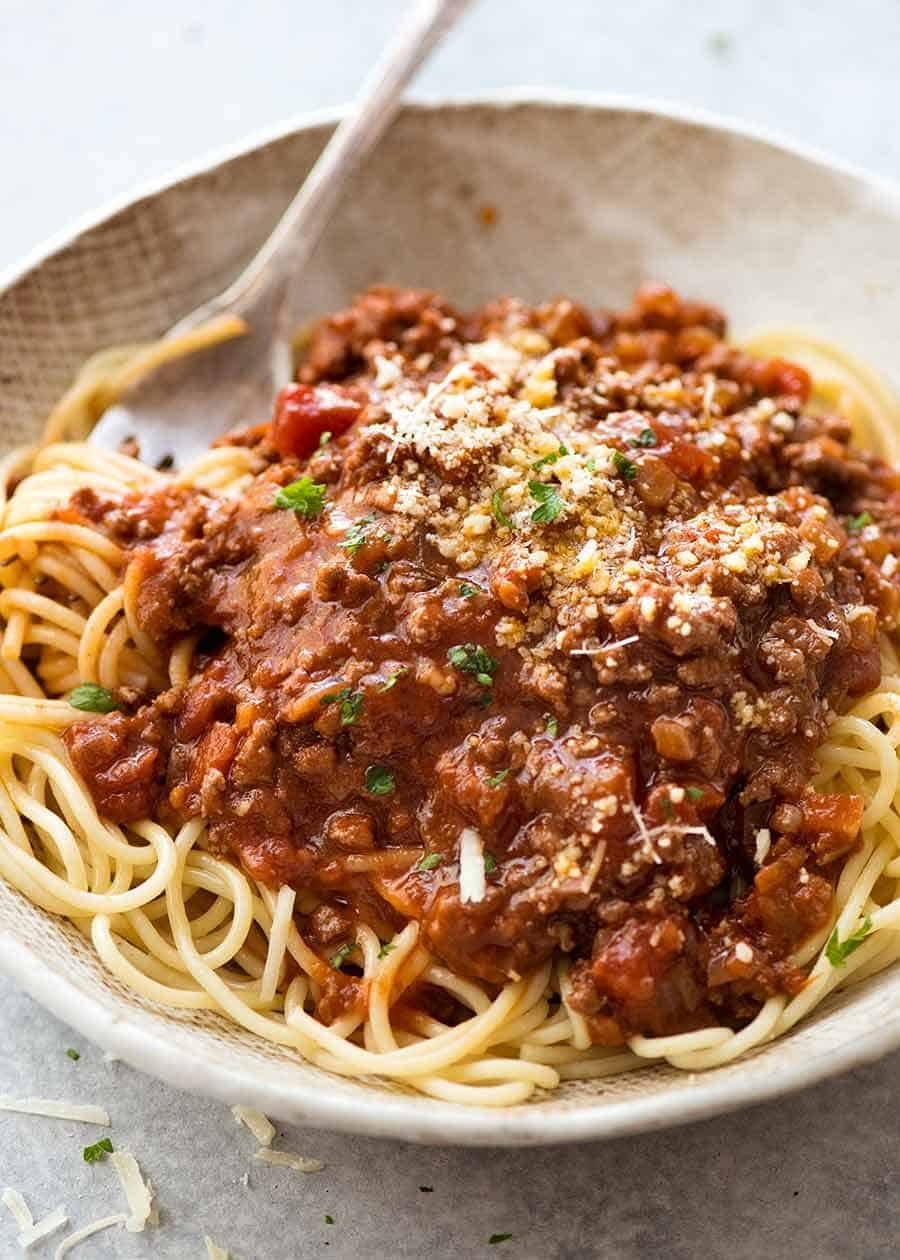
Try it with a weeknight comfort dish like spaghetti bolognese. Long ingredient list, forgiving simmer — exactly the right shape to test whether the app's cook mode holds up across thirty minutes of light chaos.
Meal planning that's loose, not gridded
Strict seven-day grids look tidy in screenshots and feel like homework by Wednesday. A planner that works for two assumes some nights you'll wing it, some nights you'll eat out, and some nights you'll cook from the freezer. It should let you stub out a slot with "leftovers" or "takeaway" without forcing a real recipe in there. It should also let you save recipes as ideas without a date — a pool you can pull from on a Sunday afternoon when you're actually sitting down to plan.
The shape we recommend is flexible: a small set of dated meals plus a larger "ideas" tray. We wrote about this in more depth in our meal prep guide for two, which is less about Sunday batch cooking and more about the rhythm of planning when there are only two mouths to feed.
Pantry tracking that doesn't punish either of you
Pantry features are often where apps get over-ambitious. The dream version scans every barcode and tells you exactly what's in the cupboard; the reality is that maintaining that level of detail is a second job nobody volunteered for. The version that earns its place is lighter: a quick "do we have this?" check while you're writing the grocery list, plus a way to mark something used up so it falls back onto the list next time.
If you've ever bought a third jar of red curry paste because nobody could remember whether the second one was empty, you already know the upside. Our take on pantry tracking apps for couples goes deeper on what to expect and what to skip.
Recipe import, because half your inspiration lives in a tab
Be honest: how many of the recipes you've cooked in the last month came from an app's built-in catalogue, and how many came from a screenshot, a sent link, or a tab you've been meaning to read? For most couples the ratio leans heavily toward the second pile. A cooking app for two needs to swallow URLs and turn them into structured recipes — ingredients you can edit, instructions you can scale, and a slot in your shared library.
The bar isn't "it kind of works on Bon Appétit". It's "I can paste any URL, get a clean recipe, scale the servings to two, and have it show up on my partner's phone before they've finished asking what's for dinner". Anything less and the friction quietly pushes one of you back to texting links.
An honest checklist — what to ask before you commit
If you're auditioning a contender this week, run it through these in order. If it fails any of the first three, move on — the bottom three are nice-to-haves, the top three are non-negotiable.
- Shared library that syncs in seconds. Both phones, both directions, no manual refresh.
- Shared grocery list with real-time sync and ingredient merging. No duplicate chickpeas.
- URL import. Paste a recipe from your favourite three sites; if any of them fail, expect the same failure every other week.
- Cook mode that stays awake and stays legible. Big text, ingredients pinned, timer in step.
- Flexible planning with placeholders. Leftovers, takeaway, "we'll figure it out" — all valid slot types.
- Pantry-lite. A "do we have this?" check at list-writing time. Nothing more elaborate than that.
Three weeknights to test-drive your new app
One of the most useful exercises is to actually cook from the app for three nights in a row, picking dishes that exercise different muscles. Try:
- Monday: a sheet-pan night like sheet-pan salmon and potatoes. Low effort, short ingredient list, perfect for testing cook mode and the grocery list at the same time.
- Wednesday: a simmered comfort dish — spaghetti bolognese is great here because the active prep and the long simmer split naturally between two cooks. One stirs, one preps salad.
- Friday: something celebratory like chocolate lava cake for two. Two servings, two ramekins, two spoons. Tests whether the app's scaling actually works for a real "for two" recipe.
By the end of the week you'll know which app earns its place on both home screens. Most won't — and the ones that do tend to be the ones that started with two cooks in mind, not a single user with a sharing toggle bolted on.
How slrp thinks about this
We built slrp around the assumption that two people share one kitchen. The library is shared from the first recipe you save, not the first time you toggle a setting. The grocery list updates on both phones in real time, with ingredient merging that folds two "chickpeas" lines into one. URL import works on anything with JSON-LD, which is most of the modern recipe internet. The cook mode is designed to be propped up and read from across a stove, not held one-handed on a bus.
It's not the answer for everyone — if you're cooking solo, lighter tools exist. But if there are two of you, and the app you're using treats one of you as the primary and the other as a guest, the friction is real and worth fixing. Even if the fix isn't slrp, the checklist above is yours to keep. Steal it, audit your current app, and see how many boxes it actually ticks.