Your hands are covered in flour. The recipe is four steps in. The screen dims, then locks, and now you're jabbing at your phone with a knuckle like someone trying to start a fire. Cook mode exists because of that exact thirty seconds, repeated in every kitchen in the world.
It's a small feature with a slightly confusing name, and people search for it constantly without being sure what it is. So here's the plain version — what it does, how it works, which apps and sites have it, and the part it genuinely doesn't fix.
What cook mode actually is
Cook mode is a setting that keeps your screen awake while you're following a recipe. That's the whole feature. No dimming, no auto-lock, no re-entering your passcode with wet hands.
Most implementations add a few things on top:
- A stripped-back view. Just the steps and ingredients — no ads, no photo carousel, no comment section.
- Bigger text. Readable from a step or two back rather than nose-to-glass.
- Step-by-step navigation. One instruction at a time, so you don't lose your place in a wall of paragraphs.
- Ingredients kept within reach. Usually a tap away, because the thing you need mid-step is almost always a quantity.
You'll see it called cook mode, cooking mode or recipe mode depending on who built it. Same idea in each case.
How it works under the bonnet
The technical answer is duller than people expect, and worth knowing because it explains the feature's limits.
Browsers have an API called Screen Wake Lock. A website can ask the browser to keep the display on, the browser asks the operating system, and the screen stays lit until you leave the page or the site releases it. That's it. There's no special hardware mode and nothing is running in the background.
Two consequences follow. First, it only works while that page is in front of you — switch apps to reply to a message and the lock releases. Second, it's a browser feature, so support varies: it works on modern versions of Safari, Chrome and Edge, and a site has to actively use it. Plenty don't.
On phones there's a blunter version: turn your auto-lock off in settings before you start cooking, and remember to turn it back on. That works everywhere and flattens your battery if you forget.
Where you'll find it
Adoption is patchy but growing.
- Recipe sites. A lot of the bigger food blogs now have a cook mode toggle near the ingredient list, often labelled with a little screen icon.
- Recipe apps. Most dedicated apps have some version of it, since it's much easier to implement natively than on the web.
- Smart displays. Kitchen screens sidestep the problem by never sleeping in the first place.
If a site you use doesn't have it, the workaround is to save the recipe somewhere that does. That's part of why people end up collecting recipes into one app rather than cooking from twelve different tabs — we went through the options in how to save recipes from any website.
Why recipe sites added it at all
Partly goodwill. Mostly because the alternative was watching people abandon a recipe halfway through.
A modern recipe page is a hostile place to cook from. The method sits below a long personal essay, two video players and an ad that reflows the page as it loads. Add a screen that locks every thirty seconds and the page becomes genuinely unusable at the stove. Cook mode is a small apology for the rest of the page.
It's a real improvement and it doesn't solve the underlying problem: the recipe still lives on someone else's page, wrapped in things you didn't want, and you're still holding a phone.
What cook mode still doesn't fix
Here's the part nobody writes about, and it's the part that matters once there are two of you in the kitchen.
Cook mode fixes the screen. It doesn't fix the choreography.
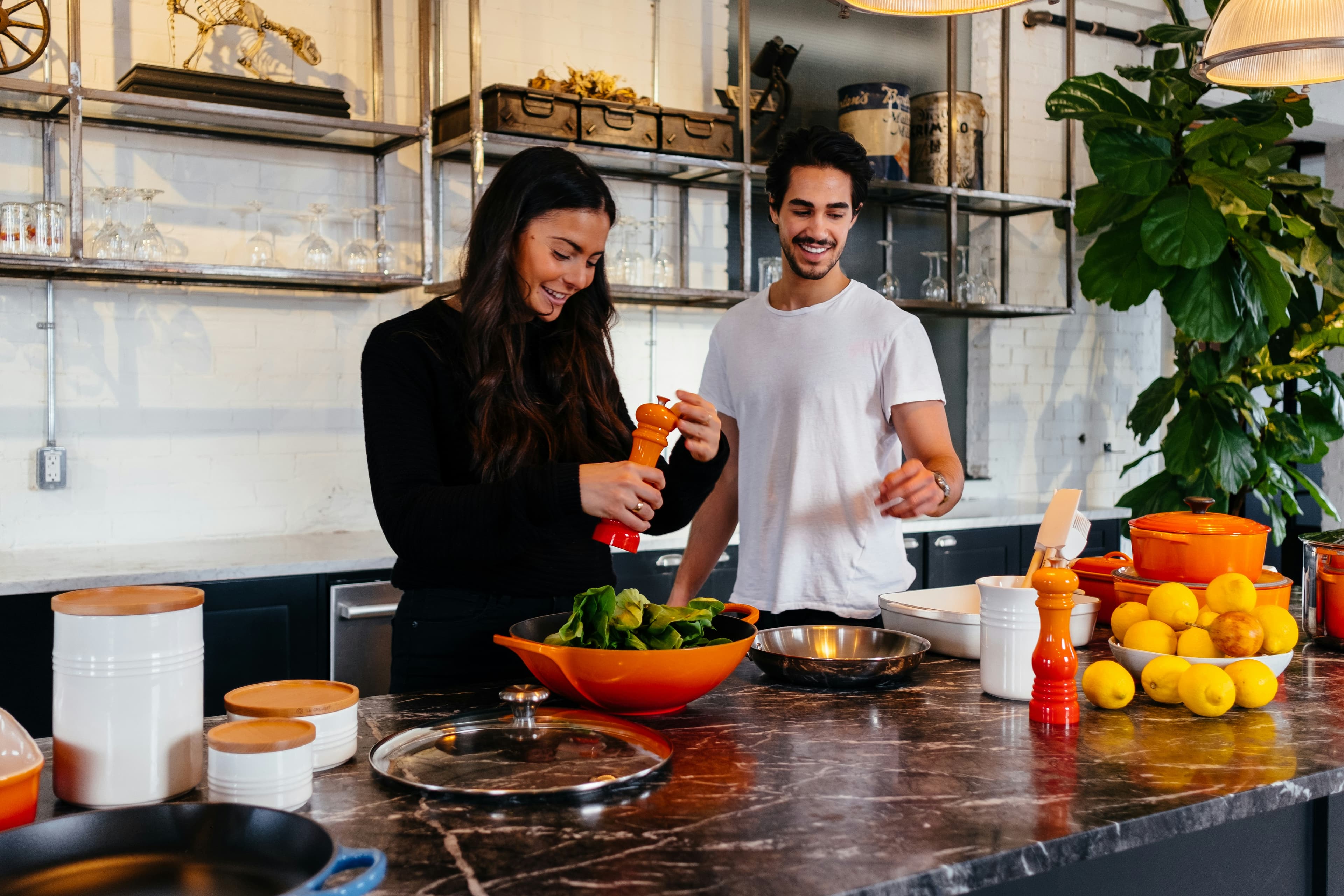
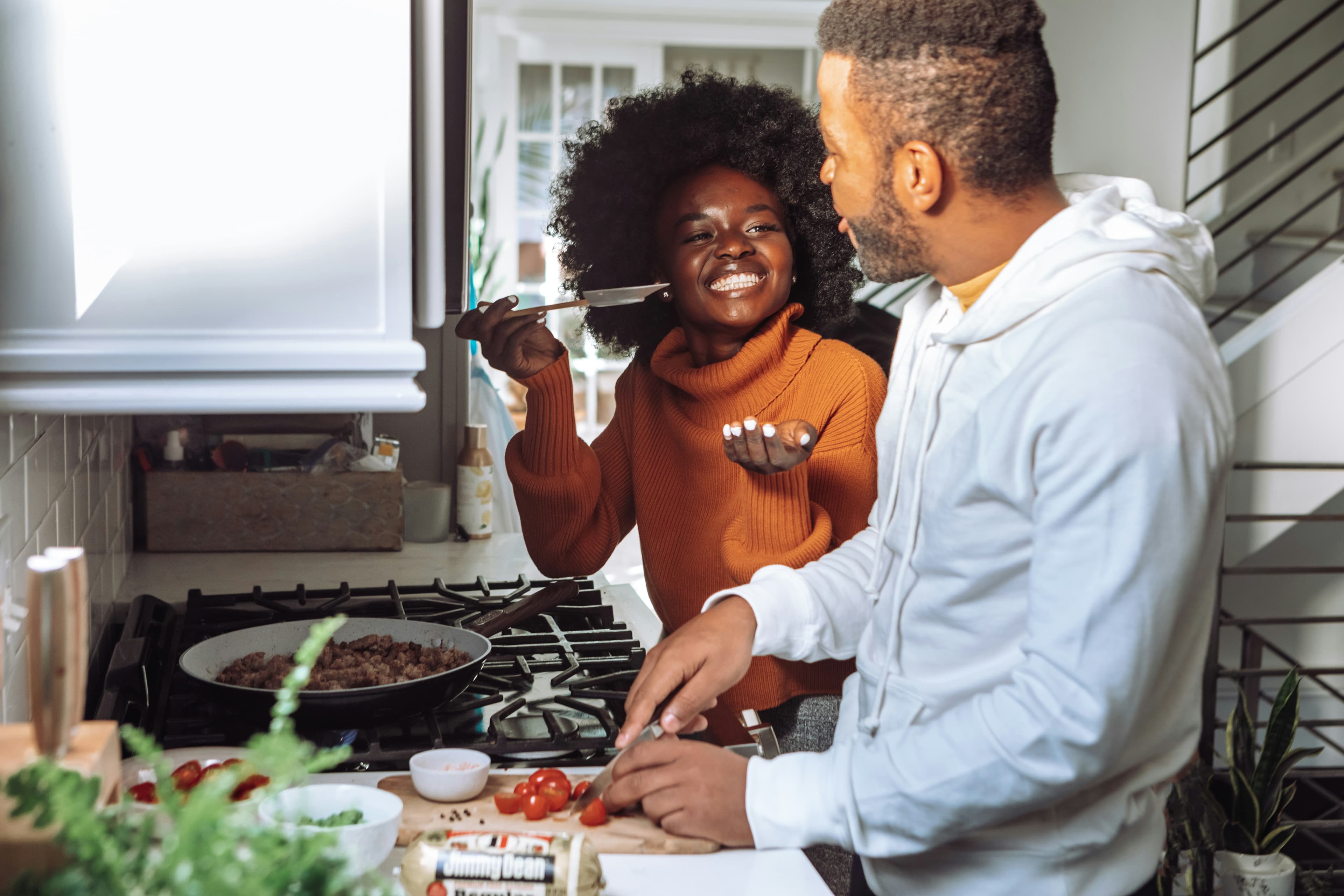
When two people cook together, the recipe isn't a document one person reads. It's a shared plan being executed in parallel. One of you is on the pan, the other is chopping the thing needed in four minutes. The questions that come up aren't "what's step six" — they're "have you already done the garlic", "how much of the stock goes in now", and "am I supposed to be doing something".
A single bright phone propped against the kettle answers none of that. Whoever is holding it becomes the narrator, reading steps aloud, and the other person is effectively working blind. That's the same lopsidedness we've written about in splitting cooking responsibilities, except it happens minute by minute instead of week by week.
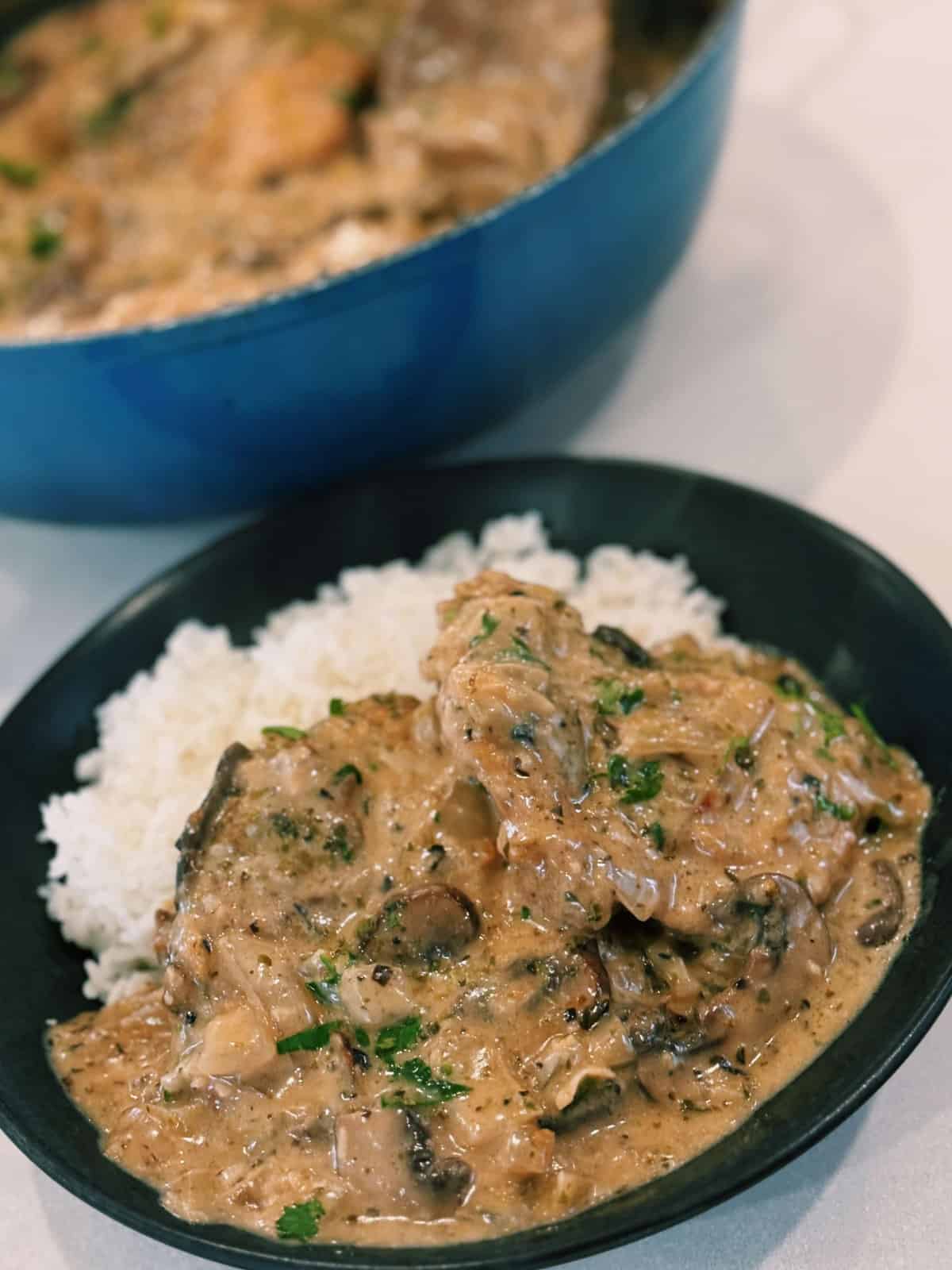
Cooking something like Creamy One Pot Mushroom Chicken solo is a reading exercise. Cooking it with someone else is a coordination exercise, and the tooling mostly pretends that's not a different job.
What actually helps when there are two of you
A handful of things, some of which need no app at all.
- Read the whole method out loud first. Sixty seconds, before anything is on. It's the single biggest improvement and it's free.
- Split by station, not by step. One person owns the pan, the other owns prep. Swapping mid-recipe is where things get dropped.
- Put the ingredients somewhere both of you can see. Quantities are what people ask about, and they're what's hardest to shout over an extractor fan.
- Keep the screen on a surface, not in a hand. Propped, wiped-down, visible from both sides of the bench.
- Agree who's reading. Sounds trivial. Prevents the version where both of you assume the other is tracking the timings.
How we think about it in slrp
Being direct, since this is our blog: we have a cook mode, and it does the usual things — screen stays awake, big type, one step at a time, ingredients a tap away.
The bit we've spent more time on is the two-cook case. On a tablet the ingredients sit docked beside the steps rather than hidden behind a button, because the ingredient list is what the second person actually needs. Recipes come in from a URL stripped of the essay and the ads, so what you're cooking from is the method and nothing else. And the recipe is in a library you both have, so it isn't a page one person happens to have open.
None of that is revolutionary. It's just built on the assumption that two people are cooking, which most recipe tooling doesn't make. If you want the broader version of that argument, cooking apps for couples covers it properly.
Common questions
Where is the cook mode button?
On recipe sites it's usually next to the ingredients or at the top of the method, often as a small screen or lightbulb icon with a toggle. If you can't find one, the site probably doesn't have it — it's a per-site feature, not something your browser adds on its own.
Does cook mode work on iPhone?
Yes, in Safari on reasonably recent versions of iOS, and in Chrome. The site has to implement it. If you're on an older phone or a site without it, the fallback is Settings, then Display & Brightness, then Auto-Lock, set to Never — just remember to put it back afterwards or you'll wonder where your battery went.
Does it use much battery?
Keeping a screen lit is one of the more expensive things a phone does, so yes, more than idling. For the length of a normal recipe it's not worth worrying about. For a four-hour braise, plug it in.
Is cook mode the same as reader mode?
No, though they overlap. Reader mode strips a page back for comfortable reading and doesn't touch your screen timeout. Cook mode keeps the screen awake and usually reformats for glanceability at arm's length. Some sites give you both.
Why do some recipes have it and others don't?
Because it's work someone has to do. Larger food sites and recipe apps have mostly added it; smaller blogs often haven't. Saving recipes into one app you trust is the reliable way around a patchwork.
The short version
Cook mode keeps your screen on and strips the page back while you cook. It's a genuinely good small feature, it's increasingly common on recipe sites and in apps, and it's built on a browser API that only works while the page is in front of you.
If you cook alone, it may be all you need. If you cook with someone else, it solves the least interesting of your problems — and the rest is still down to reading the method first and agreeing who's doing what before the pan gets hot. Even something as forgiving as Seared Salmon with Parmesan Crusted Potatoes goes sideways when two people each assume the other is watching the pan.