Somewhere in your kitchen right now there are two jars of cumin, no bin bags, and a text thread with "can you grab milk" sent four minutes after someone left the dairy aisle. That's not a discipline problem — it's an infrastructure problem. Two people sharing one kitchen generate more "we need this" information than two brains can sync by conversation, and every workaround (the fridge list, the screenshot, the pinned note) fails at the exact moment it's needed: mid-shop. The fix is a shared grocery list that both of you own, on both phones, always current. This guide walks you through setting one up properly — the decisions to make together, the setup order that sticks, and the traps that kill it in week two.
Before you start: what you're actually fixing
It helps to name the failure modes, because the setup steps map straight onto them:
- Double-buys. You both notice the cumin is low; you both fix it. Money and cupboard space, gone.
- Gap items. The one ingredient tonight's dinner hinges on falls between your two heads, because each of you assumed the other had it handled.
- The relay problem. The list lives in one person's head or one person's app, so the other partner can't shop without a briefing call.
- The 6pm mismatch. The plan in your head and the ingredients in the fridge don't agree, and the delivery apps win again.
A properly shared list fixes all four at once. Notes apps and paper fix roughly one and a half. That's the difference you're setting up for — and it takes about twenty minutes, most of which is one honest conversation.
Step 1: agree on the single source of truth
This is the conversation, and it's short: from now on, if it's not on the list, it doesn't exist. Not on the fridge, not in a text, not in anyone's head. One list, and both of you trust it completely.
It sounds obvious, but this agreement — not the app — is the actual system. Every shared-list setup that collapses does so because one partner kept a side channel ("I texted you about the yoghurt!"). Kill the side channels on day one. If either of you notices something's running low, it goes on the list in that moment, from whichever phone is closest. Ten seconds, done, forgotten.
Step 2: pick an app you'll both actually open
The floor is genuine two-account sharing: both partners can add, edit, and tick items off from their own phones, with changes appearing on the other phone in seconds. That rules out screenshots, most notes apps, and one account logged in on two devices. We've compared the general field in our honest look at the best grocery list apps if you want the full rundown.
Beyond the floor, the feature that changes everything is recipe-awareness — the list building itself from what you've planned to cook, instead of you transcribing ingredients by hand. That's the difference between a shared list app and a shared kitchen system, and it's why a meal planner and a grocery list belong in the same app. It's also the core of how slrp works: your recipes live in a shared library, the week's plan is built from them, and the grocery list falls out of the plan automatically — merged, so two recipes that both want garlic become one line with enough for both.
Whatever you pick, pick it together, install it on both phones the same evening, and delete the old workaround. A transition period where the fridge list and the app list coexist is how you end up trusting neither.
Step 3: build the list from the week's dinners, not from memory
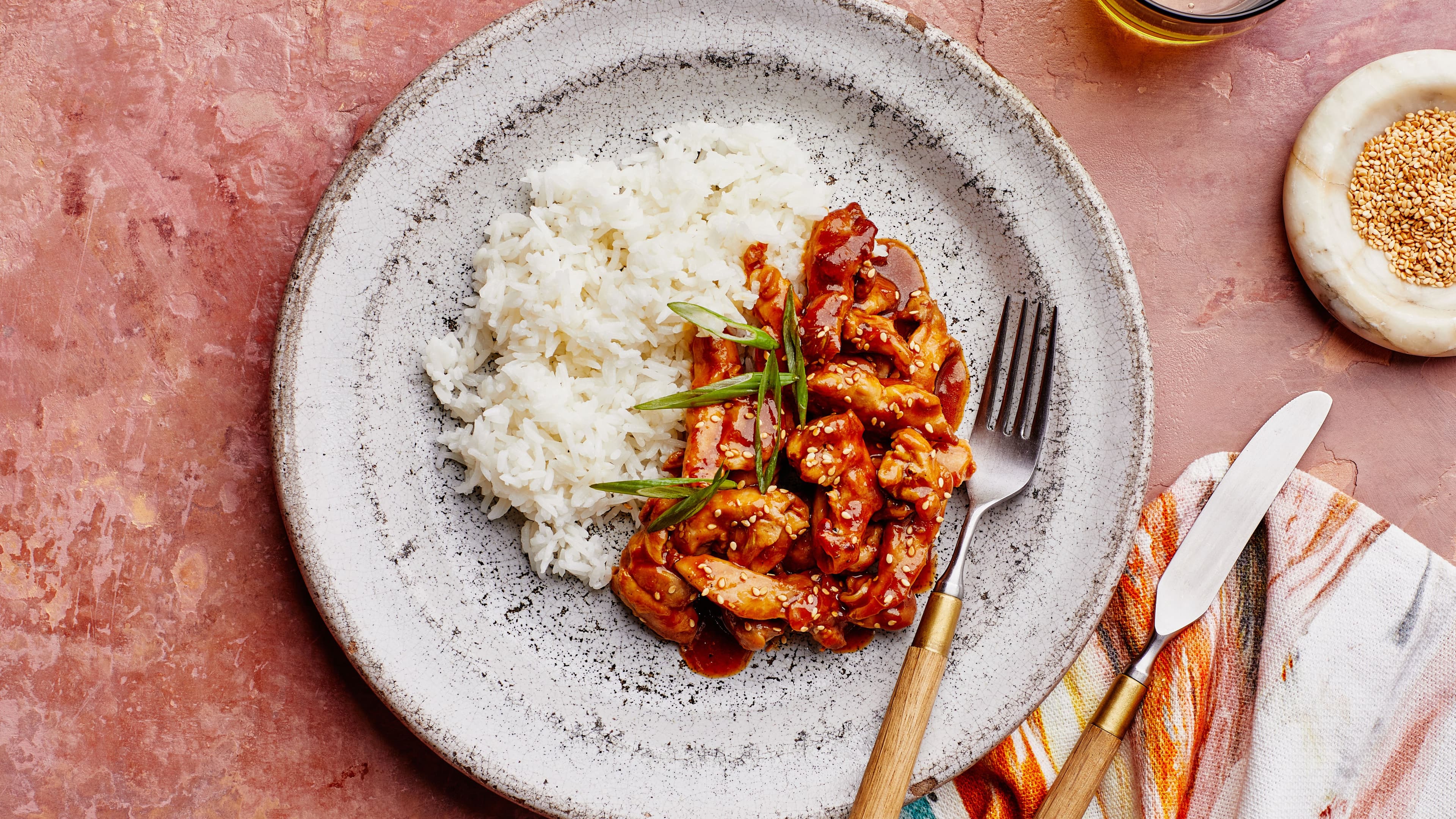
Don't start with a blank list and a furrowed brow. Start with the only question that matters: what are we cooking this week? Pick three or four dinners together — something fast like 15-Minute Teriyaki Chicken, a hands-off tray like Sheet Pan Salmon With Veggies, and one you're excited about, like Vietnamese Noodles with Lemongrass Chicken — and let the ingredients flow onto the list.
If your app generates the list from the plan, this step is automatic. If it doesn't, one of you reads ingredients aloud while the other types, which is slower but still beats two people guessing in the supermarket. Either way, the principle is the same: the list is the shadow the week's plan casts, not a separate document you compose from scratch. (If you don't have a weekly plan yet, our complete guide to meal planning for couples covers that half of the system.)
Then add the household layer — the things no recipe accounts for: bin bags, coffee, the oat milk that vanishes at a rate science cannot explain. These manual items are first-class citizens, not afterthoughts.
Step 4: do the thirty-second pantry pass
Before anyone shops, scan the list against your shelves and knock off what you already own. This is the step that kills the double-buys, and it's worth doing as a ritual — list open, cupboard doors open, thirty seconds, done.
If you want to systematise it, a light shared pantry record (just the staples, not gram-level lentil tracking) lets the app flag "you've already got this" while the list is being built. We've written about why every couple needs a pantry tracker — but even the manual pass gets you 80% of the value. The point is that "do we have rice?" gets answered at home, with the cupboard in view, not from memory in aisle four.
Step 5: pick your shopping pattern
The list is shared; the shop still needs a rhythm. Three patterns cover almost every couple:
- One plans, one shops. The planner builds the list, the shopper executes it without a briefing. Great when one of you finds the supermarket meditative and the other finds it purgatorial.
- Split the aisles. Both in the store, divide by section — one takes produce and meat, the other takes packets and dairy. Live tick-offs mean you converge at the checkout with zero "did you get…?" debrief.
- Whoever's passing. No fixed shopper; whoever walks past the shops opens the list and clears it. This only works with genuinely live sync — and when it works, it feels like a cheat code.
Pick one on purpose. "We'll figure it out each week" is how the takeaway apps claw their way back.
Step 6: make adding items a reflex
The system's long-term survival comes down to one habit: the moment either of you notices something's low, it goes on the list. Not later, not "I'll remember" — that moment. Empty the last of the soy sauce while the Tuscan Chicken Stew simmers? Phone's on the bench; four taps; done.
Two tricks make the reflex stick. First, keep the app on both home screens — friction kills habits, and a list buried in a folder is a list that doesn't get used. Second, agree that adding an item is never nagging. It's not "you forgot the milk", it's the household's memory doing its job. The list is the third member of the kitchen, and it never gets passive-aggressive about it.
When it wobbles: troubleshooting the first fortnight
Every couple hits one of these in the first two weeks. None of them means the system failed:
- "One of us keeps forgetting to check the list." Usually a sign the shop is happening ad hoc. Anchor it: the shop happens after the Sunday plan, or on the Tuesday walk home. A list with a rhythm gets checked; a list without one gets remembered at 9pm.
- "Things are on the list but nobody buys them." Your list has become a wishlist. Split the difference: this week's needs stay on the list, someday-items (the fancy vinegar, the springform tin) go somewhere else.
- "We still double-bought." Almost always a side channel — someone bought from memory instead of the list. Re-run the Step 1 conversation, gently. The list is only the single source of truth if it's treated like one.
- "It feels like admin." Then the list isn't building itself from the plan yet. Transcribing ingredients every week is exactly the chore software should be eating — that's the moment to move to a recipe-aware setup rather than give up on sharing altogether.
Frequently asked questions
Do we both need the app, or can one of us just use the website?
Both phones, ideally — the reflex in Step 6 depends on the list being four taps away for whoever's standing at the empty soy sauce. A web version is a fine supplement for Sunday planning on a laptop, but the phone app is where the habit lives.
What about items only one of us cares about?
They go on the list like everything else. A shared list isn't a negotiation — it's a logistics tool. If it's entering the house via the weekly shop, it's on the list, whether it's shared dinner ingredients or one partner's inexplicable sparkling-water habit.
How does slrp handle the shared list?
The grocery list belongs to the couple, not a user: both partners see the same list live, tick items off from separate phones, and watch the week's planned recipes flow onto it automatically, grouped by aisle. Manual items slot into the right section too. It's the "build it from the plan" version of everything in this guide.