Right now your recipes live in about nine different places. A few are screenshots buried in your camera roll. Two or three are links your partner texted you at 11pm with "we HAVE to make this." One is a stained printout stuck to the fridge with a magnet shaped like a lemon. And the best one — your nan's — is handwritten on a card you're genuinely scared of losing. When Thursday rolls around and someone asks "what are we cooking?", none of that helps, because none of it is in one place you can both actually reach.
A recipe import app fixes the scattered-ness at the source: instead of asking you to retype everything into a tidy new home, it pulls recipes in from wherever they already are — a url, a cookbook page, a handwritten card — and drops the finished, structured recipe into one shared library. Here's how importing actually works, what separates a good importer from a frustrating one, and how to get every recipe you love into one place you and your partner both cook from.
What a recipe import app actually does
"Import" sounds technical, but the job is simple: take a recipe that exists somewhere messy and turn it into a clean, usable recipe in your library — ingredients on one side, method on the other, no ads, no life story about the author's trip to Tuscany between you and the pasta.
The difference between an import app and just bookmarking a link is what happens after the grab. A bookmark saves the page. An importer saves the recipe — it reads the ingredients and steps, structures them, and stores them somewhere you can scale servings, add to a meal plan, and push straight onto a grocery list. That's the whole point: a recipe you've imported is one you can use, not just find again.
Most of your recipes will arrive by one of three doors: a url, a photo, or a manual entry for the ones that only exist in someone's head. A good importer handles all three and lands them in the same place.
1. Importing from a url — the paste-and-go path
This is the one you'll use most. You find a recipe on a food blog, you copy the link, you paste it in, and a few seconds later the recipe is in your library — title, ingredients, method, cook time, all separated out. No copy-pasting past the ads. No "jump to recipe" button.
Behind the scenes, the importer reads the structured data most recipe sites publish and maps it into a clean format. The good ones go a step further and tidy the ingredients — turning "2 cloves garlic, minced" into a quantity, a unit, a name and a prep note — so the recipe can talk to your grocery list later. In how to keep all your recipes in one place we went deep on why that structuring step matters; the short version is that a pile of saved links isn't a library, it's a pile of saved links.
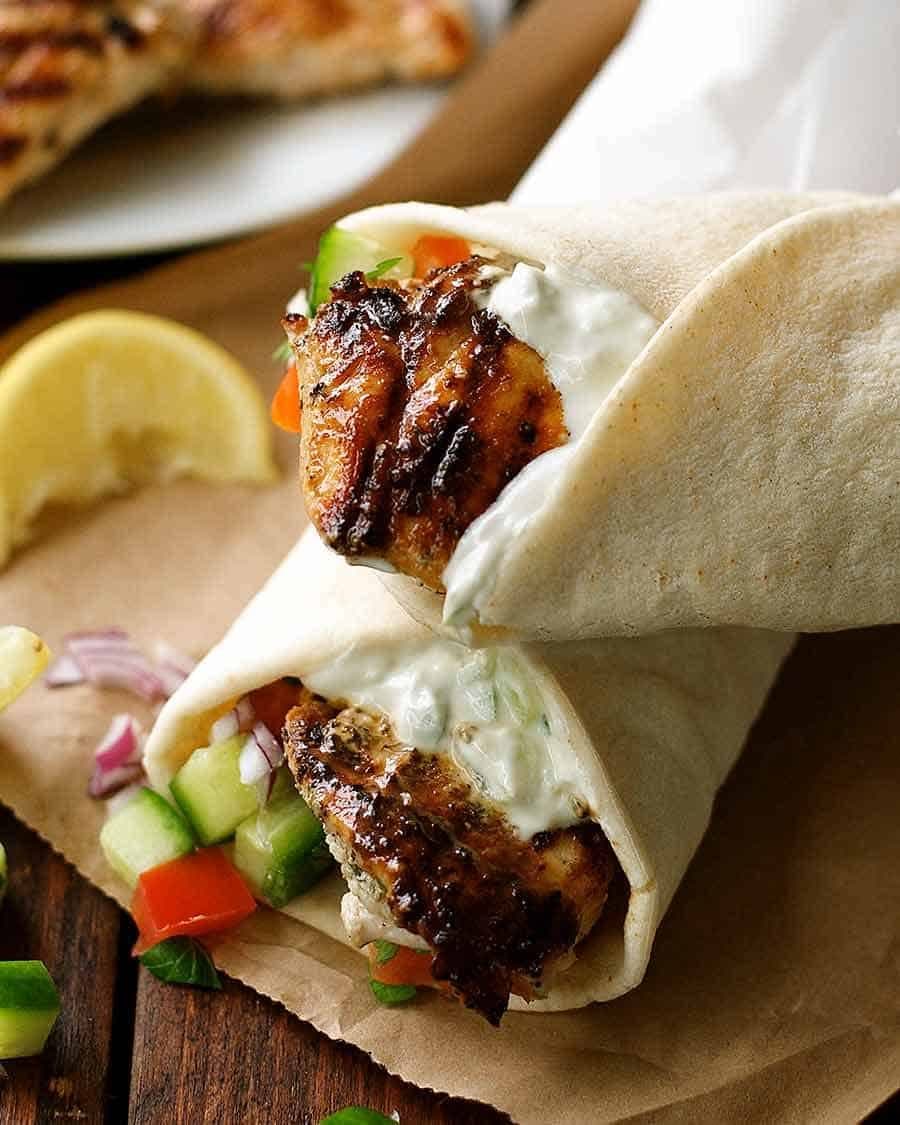
The test of a url importer is the awkward sites — the ones with weird formatting or a recipe buried three scrolls down. Paste something like a Greek Chicken Gyros with Tzaziki and see whether the tzatziki quantities come through cleanly or arrive as one mushed paragraph. That's the moment you learn whether the app is doing real work or just saving the page's title.
2. Importing from a photo — cookbooks and handwritten cards
Not every recipe lives online. Some of the best ones are in a cookbook on your shelf, or on a recipe card in a handwriting you'd recognise anywhere. This is where photo import earns its keep: you snap a picture of the page, and the app reads it — ingredients, steps, the lot — and builds a recipe from what it sees.
For couples this is quietly emotional, not just practical. The recipes you most want to protect are usually the analogue ones — the card from a grandparent, the splattered page from the cookbook you got as a wedding present. Getting those into a digital recipe book means they survive a house move, a spilled glass of red, and the slow fade of pencil on card. You photograph it once; it's safe from then on.
A good photo importer copes with real-world pages: a slight angle, a shadow across the corner, the odd ingredient written in shorthand. You review what it read before you save — a quick sanity check — and then it's a first-class recipe like any other, ready to plan and cook from.
3. Where the imported recipe lands — a shared library, not your phone
Here's the part most people don't think about until it bites them: importing to your phone isn't the same as importing to your kitchen. If the recipe you just grabbed lives only on your device, your partner still can't see it, and you're back to texting links.
The whole reason to import into a shared library is that both of you land in the same place. You save the gyros; your partner opens the app on their phone and it's already there. They add a pasta they found; it shows up for you. Nobody's the keeper of the recipes, and nobody has to ask "can you send me that one again?" We wrote more about why two-cook kitchens need shared tools in cooking apps for couples, but the principle for import is short: a recipe you both can reach is worth ten neither of you can find.
4. What to look for in a recipe import app
Not all importers are equal. If you're choosing one, these are the things that actually matter once you're past the first week:
- Clean structuring, not just saving. Does it separate ingredients from method, and can it scale servings? A recipe you can't resize for two isn't much of a win.
- More than one import door. Url is table stakes; photo import and manual entry are what let you bring in the cookbook and the handwritten card, not just the blogs.
- It feeds the rest of your kitchen. The best reason to import is what happens next — the recipe becomes a meal-plan entry and a grocery list without retyping. If import is a dead end, you've just made a nicer bookmark.
- Shared by default. Both partners see the same library. No re-sending, no "who has the good version?"
- It handles the messy stuff. Weird sites, angled photos, shorthand ingredients. The polish shows on the hard imports, not the easy ones.
slrp was built around exactly this loop — paste or snap, land in a shared library, plan and shop without retyping. That's the wedge: not "save recipes" as an end in itself, but import as the first step of actually cooking together.
5. A weekend test-drive for your new importer
The fastest way to know if an import app fits your kitchen is to fill it with a real week, not to admire an empty one. Try this over a weekend, one of you on each phone:
Import three dinners you'd genuinely cook. Grab a Creamy Tuscan Chicken Pasta from your favourite blog by url. Snap a page from the cookbook on the shelf for the second. And for the third, paste a quick weeknight number like Honey Garlic Salmon (5 Ingredients, 15 Minutes) — a good stress test, because a five-ingredient recipe has nowhere to hide a sloppy import.
Then check the two things that matter: did both of your phones end up with all three recipes, and could you turn them into a grocery list without retyping a single ingredient? If yes on both, you've found your importer. If either fails, keep looking — those are the exact moments a weaker app falls down.
6. Import once, cook for years
The mental shift that makes all this click is treating import as a one-time cost. Every recipe you pull in — every url, every cookbook page, every card — is a thing you never have to hunt for again. The scattered screenshots stop mattering the moment their contents are in one shared, structured, both-of-you library.
You don't have to do it all in one sitting. Import the next recipe you actually cook, then the one after that. Within a few weeks the pile shrinks to nothing and the library fills up — and "what are we cooking?" stops being a search party and starts being a scroll through things you already love.
Recipe import, quick answers
Does importing a recipe copy the whole web page?
No — a good importer saves the recipe, not the page. It reads the ingredients and steps and stores them in a clean format, so there are no ads, no pop-ups and no scrolling past a backstory to reach the method.
Can I import handwritten recipe cards?
Yes, if the app has photo import. You snap the card, it reads what it can, and you review before saving. It's the safest way to preserve the recipes that only exist on paper.
Will my partner see recipes I import?
Only if you import into a shared library. In slrp both partners share one library, so anything either of you imports shows up for both — no re-sending links.