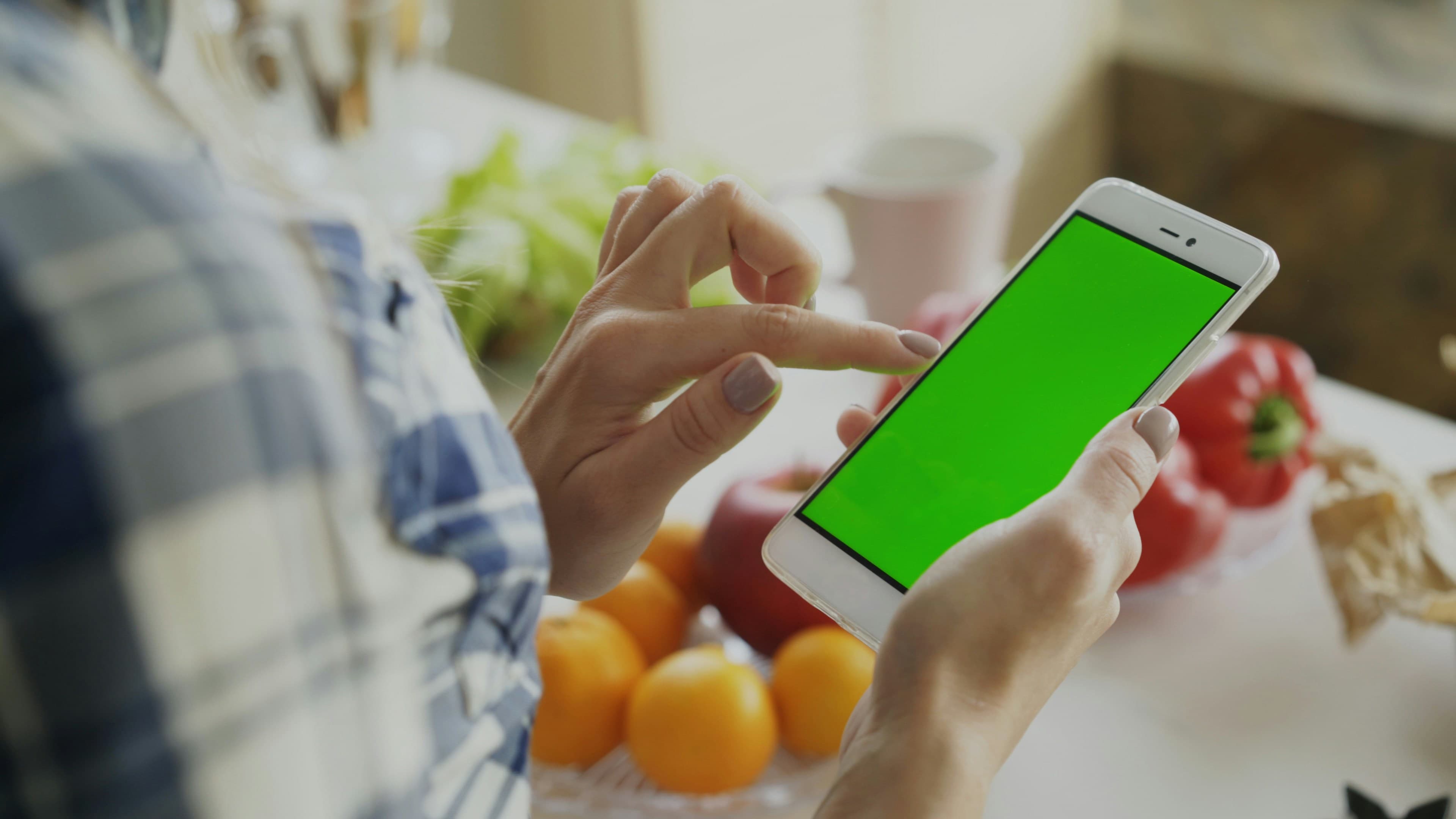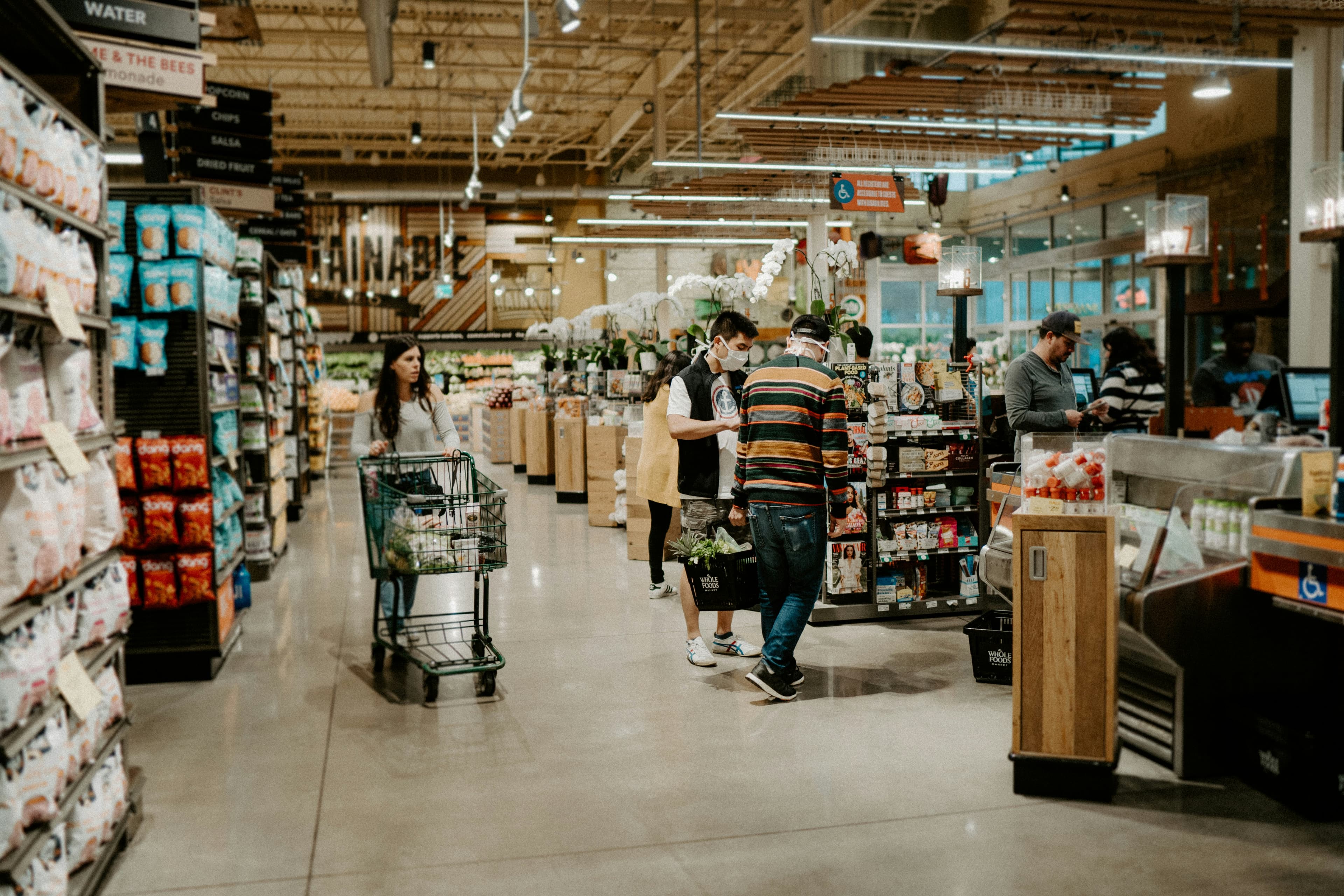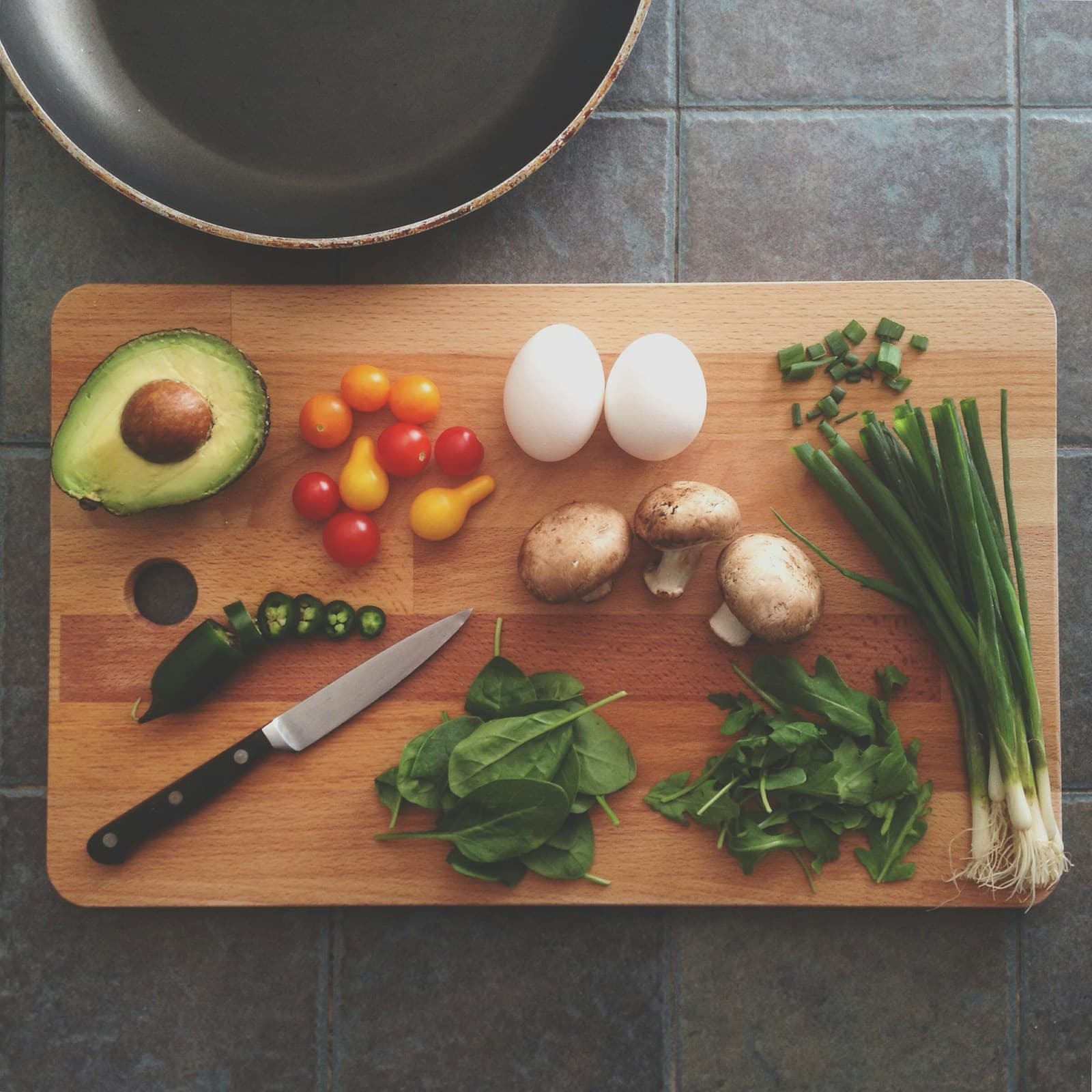
The fastest way to turn a meal plan into a grocery list is to let software do the cross-referencing for you — every ingredient from every planned recipe, merged across duplicates, unit-converted where possible, organised by aisle, and stripped of anything already in your pantry. That’s slrp’s grocery list in one paragraph. The rest of this post is why doing it manually is the bit of meal planning most couples are happy to skip.
Want the full step-by-step guide? Read our complete guide to meal planning for couples.
Why manual grocery lists keep going wrong
You’ve picked your recipes for the week. Now you need to figure out what to buy. So you open three browser tabs, scan each recipe, and start writing a list. Did the pasta recipe need 2 cloves of garlic or 3? Does the stir-fry also need garlic? Do you already have soy sauce?
A few specific things go wrong every time:
- Duplicates buried in different recipes. Three recipes each call for an onion. You read them in sequence, write “onion” once, get home, and discover you needed three.
- Pantry-checking that never happens. You know you probably have soy sauce. You don’t check. You buy another bottle. You now own four bottles of soy sauce.
- Quantities that don’t add up. One recipe wants ½ cup of stock, another wants 4 tablespoons. Your list says “stock” with no number. You buy too little.
- The forgotten-item second trip. Twenty minutes into cooking, you realise you needed coriander. The supermarket is already closed.
None of these are cooking problems. They’re admin problems masquerading as cooking problems — and they’re exactly the kind of thing software is good at.
What slrp’s grocery list actually does
The short version: every recipe in your meal plan contributes its ingredients to one combined list. The long version is more useful.
Ingredients merge across recipes. If three recipes each call for an onion, the list says “3 onions” — not three separate “onion” rows. The merge happens on ingredient identity, not on raw strings, so “yellow onion”, “brown onion” and “onion (medium)” still collapse into one row.
Units convert where it’s sensible. ½ cup + 4 tablespoons becomes ¾ cup. 250 g + 250 g becomes 500 g. slrp won’t try to convert between incompatible units (tablespoons of olive oil don’t become grams), but for the common cases the list reads like a single shopping run.
Everything sorts by aisle. Produce together, dairy together, pantry staples together, meat together. The list reads like the shop is laid out, not like a recipe. Neither of you walks back across the store for the coriander you scrolled past.
The pantry skips itself. Tell slrp what you always have at home — olive oil, salt, soy sauce, the half-jar of capers in the fridge door — and those ingredients are quietly removed from the list before you leave the house. Less coriander, more dinner.
Both phones, one list. When one of you ticks limes off the list, the other sees it instantly. No texts. No phone calls from the produce aisle. No double-buying.
A worked example: one couple, one week
To make the merging concrete, here’s what a typical week looks like before and after slrp does its work.
Three recipes on the plan:
- Monday — spaghetti aglio e olio. Spaghetti, garlic, olive oil, chilli flakes, parsley, parmesan.
- Wednesday — chicken stir-fry with broccoli. Chicken thighs, broccoli, garlic, ginger, soy sauce, sesame oil, spring onions, jasmine rice.
- Saturday — roast pumpkin and feta salad. Pumpkin, feta, rocket, red onion, olive oil, lemon, pumpkin seeds.
That’s 21 ingredient lines as raw recipe data. Manually, you’d copy each row to a list, hope you didn’t double-count, and try to remember whether you already have soy sauce.
slrp merges and skips. Garlic appears in two recipes — one row. Olive oil appears in two — one row, then skipped entirely because it’s in your pantry. Same with salt, pepper, soy sauce, sesame oil, chilli flakes (six pantry staples gone). Parmesan and feta both register as cheese but stay as separate rows because they’re different products.
The actual list you take to the shop:
Produce: pumpkin, broccoli, parsley, rocket, red onion, spring onions, lemon, ginger. Dairy: parmesan, feta. Pantry: spaghetti, jasmine rice, pumpkin seeds. Meat: chicken thighs.
Fourteen rows instead of twenty-one. Three trips around the supermarket avoided. And neither of you bought the soy sauce you already had three bottles of.
Where slrp’s grocery list is honest about its limits
A few cases where the auto-list still needs you:
- “A handful” and “to taste” stay as strings. slrp won’t pretend to know how much parsley you eat. Those entries land in the list verbatim, and you decide on the day.
- Non-recipe items. Toilet paper, washing-up liquid, the wine for Friday night. Add those manually — slrp keeps them in the list alongside the auto-generated rows, ticked off the same way.
- Recipes that hide ingredients in the method. Some recipe sites bury “a splash of milk” inside step 4 of the instructions instead of the ingredient list. slrp extracts what the recipe declares; anything tucked into the method falls through. We’re slowly getting better at this.
How it works in practice
- Add recipes to your meal plan — paste URLs to save recipes, then drop them onto any day of the week. Either of you can do it from either phone.
- Open your grocery list — every ingredient from every planned recipe, already merged, converted, sorted by aisle, and pantry-stripped.
- Shop together (or apart) — whoever’s at the supermarket has the full list on their phone. Ticks sync. Done.
Common questions
What happens if I haven’t built a pantry yet?
The list works fine without a pantry — you just won’t get the “already at home” skipping. Most couples start without one, add the obvious staples after a couple of trips (“we keep buying olive oil”), and grow it from there. There’s no setup ceremony.
Can I share the list with my partner?
It’s shared by default. Both of you are looking at the same list through your own phones — there’s no “owner” of the list. The partner who didn’t plan the meals still sees everything.
What about recipes from sites that don’t structure their data?
slrp imports from any site that includes recipe JSON-LD (most major food sites — BBC Good Food, NYT Cooking, Bon Appétit, Serious Eats, and most blogs). For sites without JSON-LD, the import is graceful but limited; you’ll get the title and a link back to the original.
Can I add things to the list that aren’t from a recipe?
Yes. Type anything in and it sits in the list alongside the auto-generated rows. Cleaning supplies, drinks, pet food, the cake your nephew specifically requested for Sunday — same list, same ticks.
The full workflow
This is what meal planning should feel like:
- Find recipes — paste URLs from your favourite food sites
- Plan your week — pick which recipes you’re cooking
- Shop smart — auto-generated, categorised grocery list
- Cook together — everything’s planned, everything’s bought, just cook
Haven’t started saving recipes yet? Learn how to import recipes from any website. Then discover how meal planning works for couples. For the full picture, read our complete guide to meal planning for couples.
And if you’re trying to keep costs down, check out our tips for meal planning for two on a budget.
No spreadsheets. No scribbled lists on the back of an envelope. Just a URL, a plan, and a grocery list that writes itself.